How Drone Services are Revolutionizing Construction Site Monitoring

Introduction

The construction industry is no stranger to embracing innovative technologies that enhance efficiency, safety, and project management. One such technological advancement that has transformed the way construction sites are monitored and managed is the utilization of drone services. Drones, equipped with high-resolution cameras and advanced sensors, have become an invaluable tool for construction professionals. In this article, we will explore the numerous ways in which drone services are revolutionizing construction site monitoring, and how St. Louis Drone Services, a full-service video and photography production company based in St. Louis, can help ensure construction site safety and efficiency through their expertise in drone imagery.

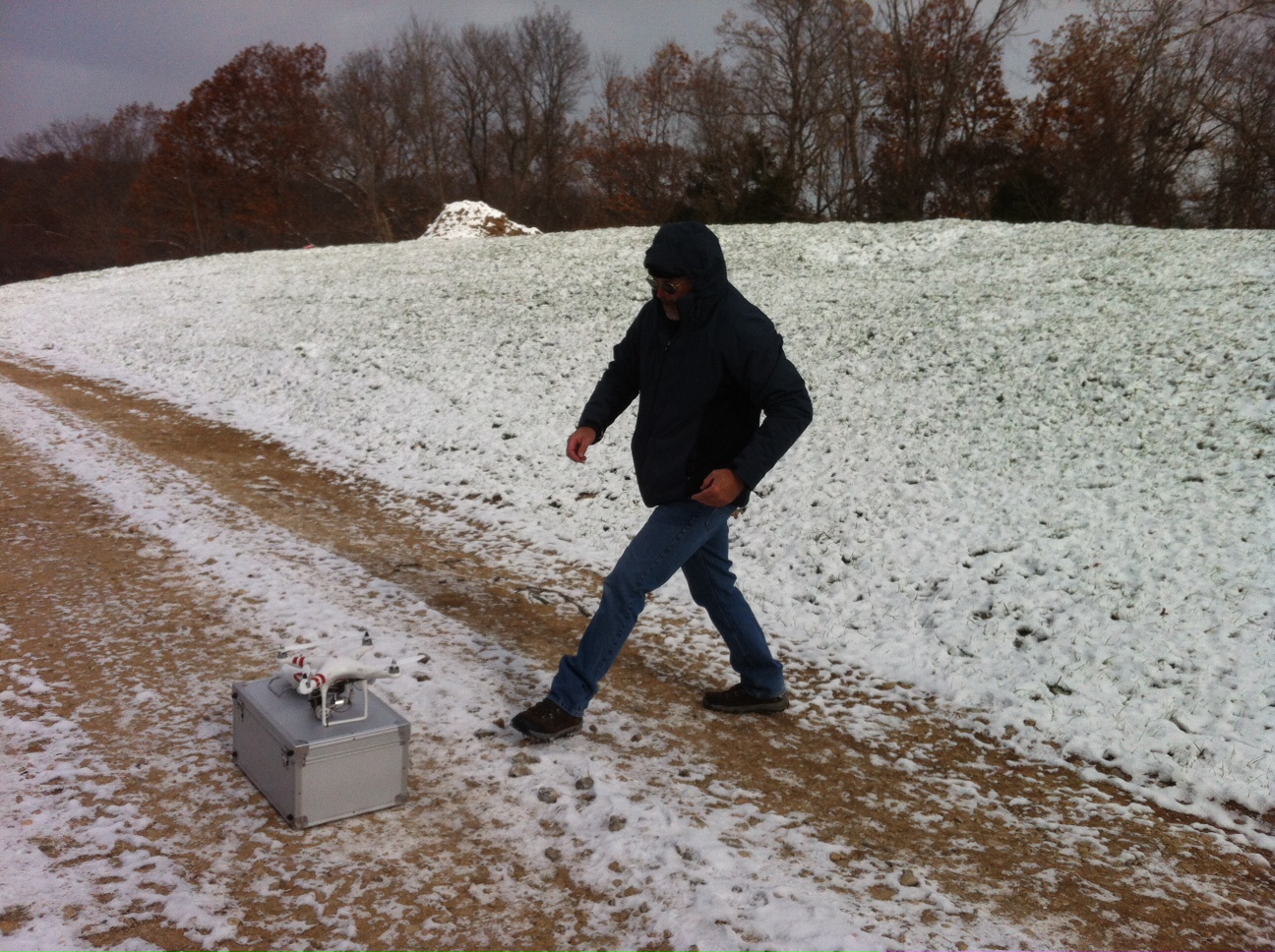
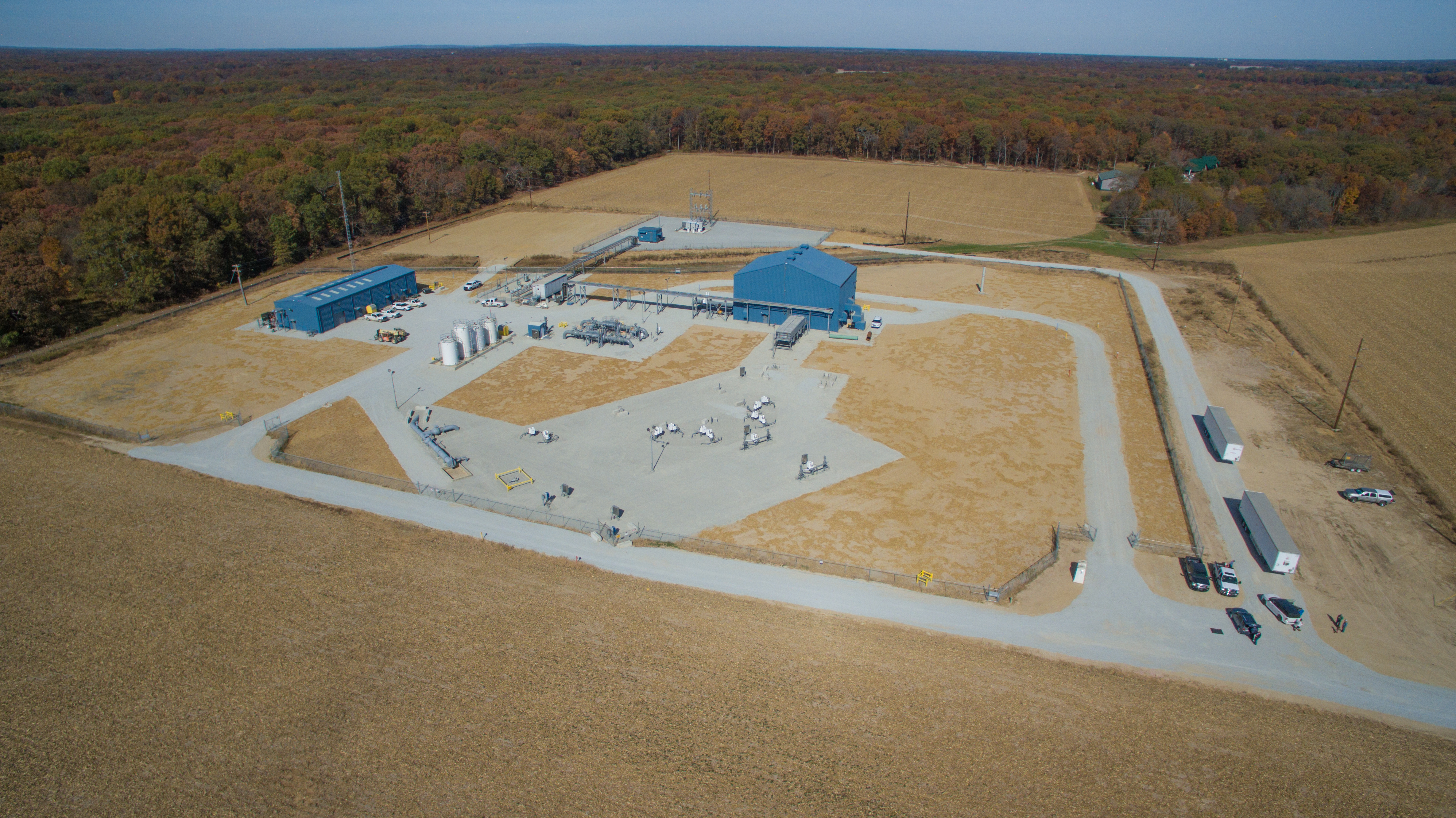
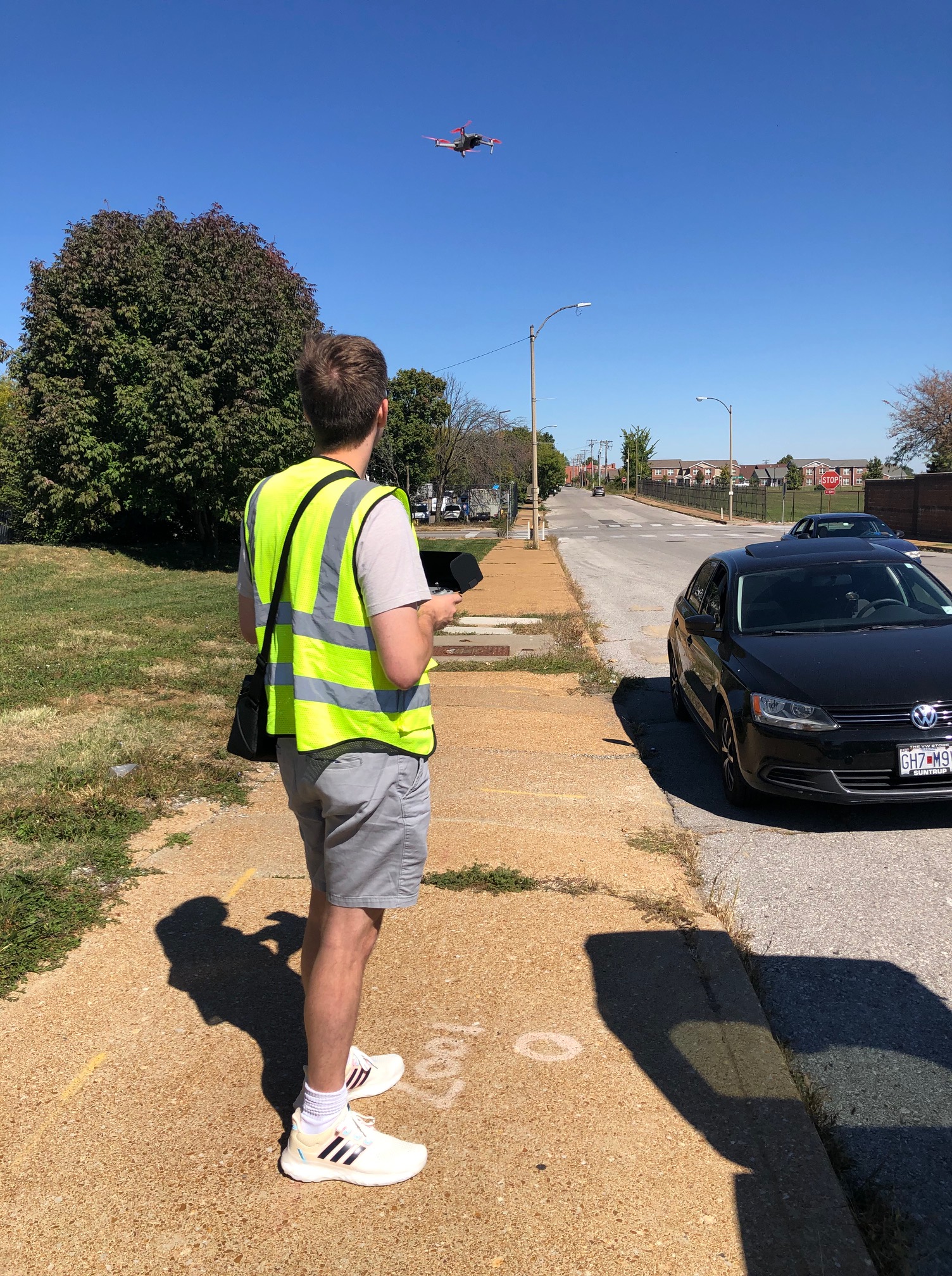
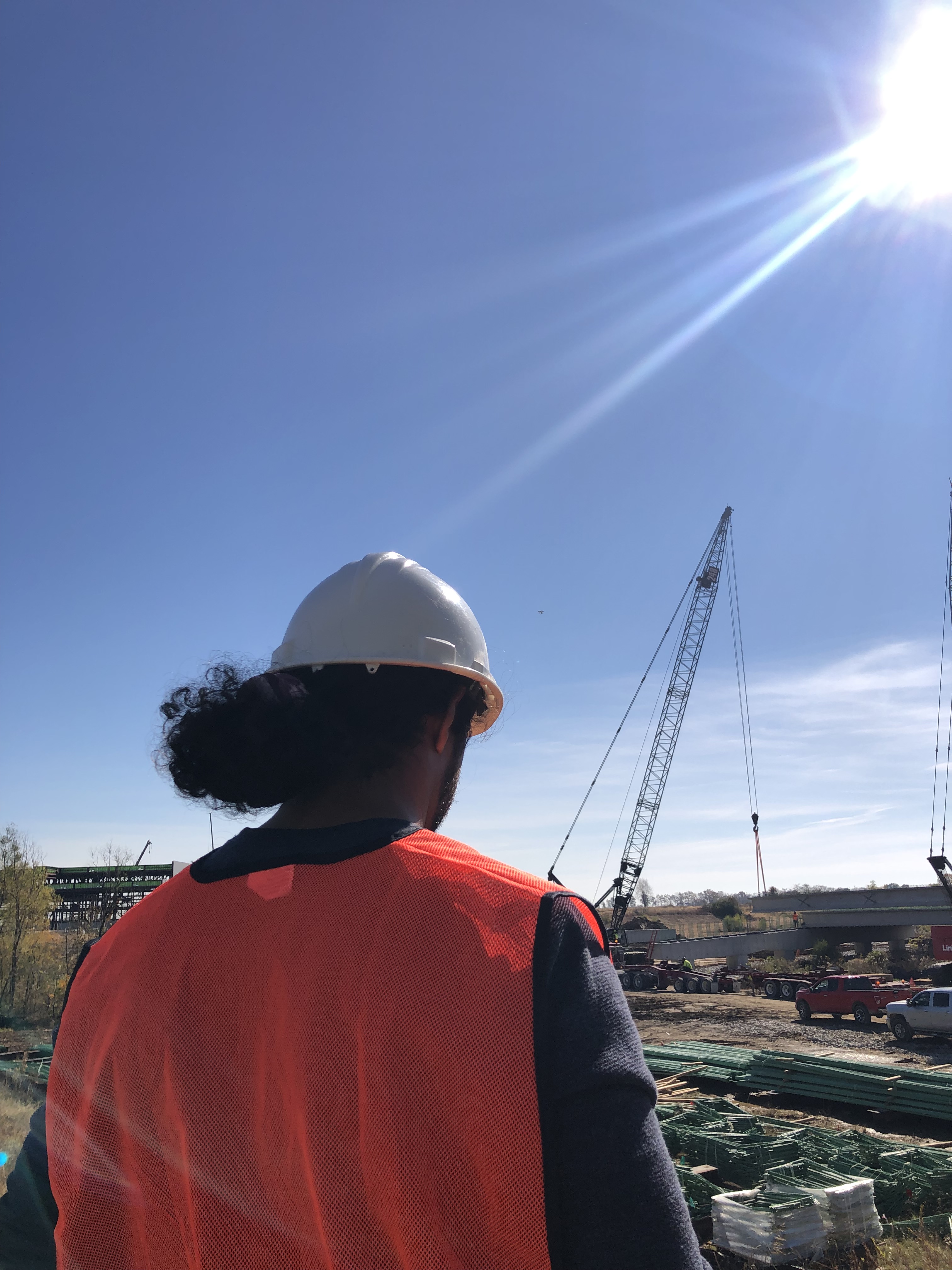
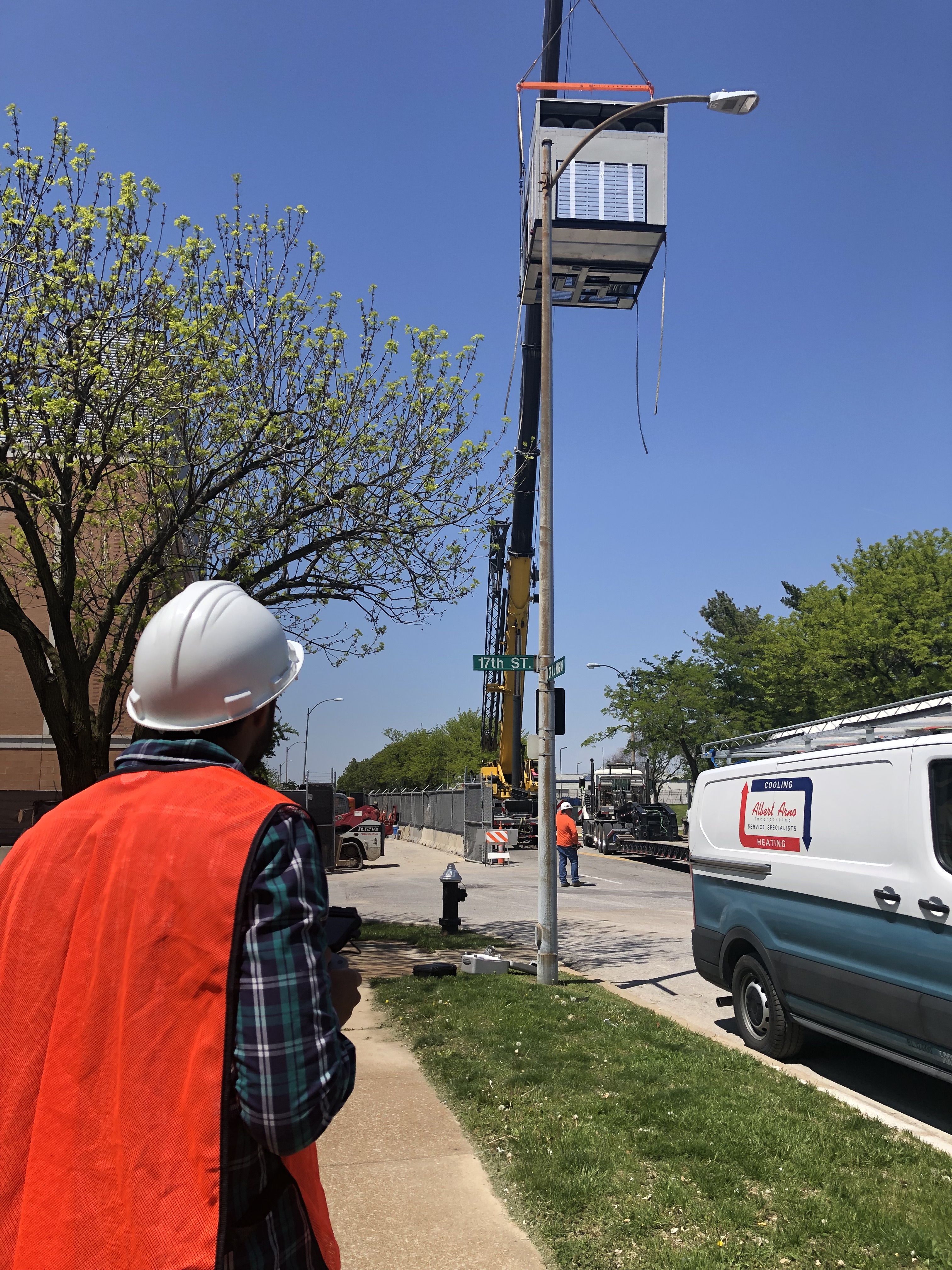
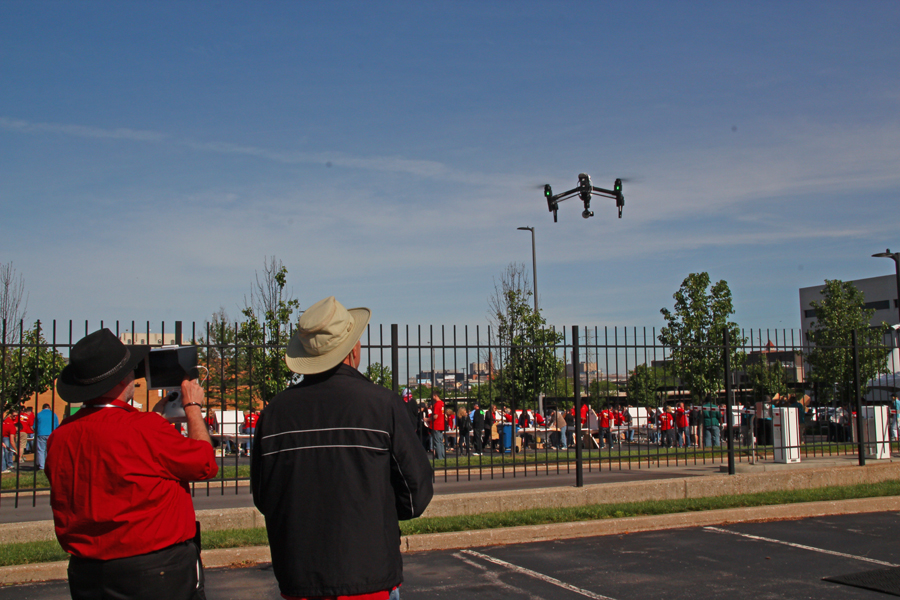
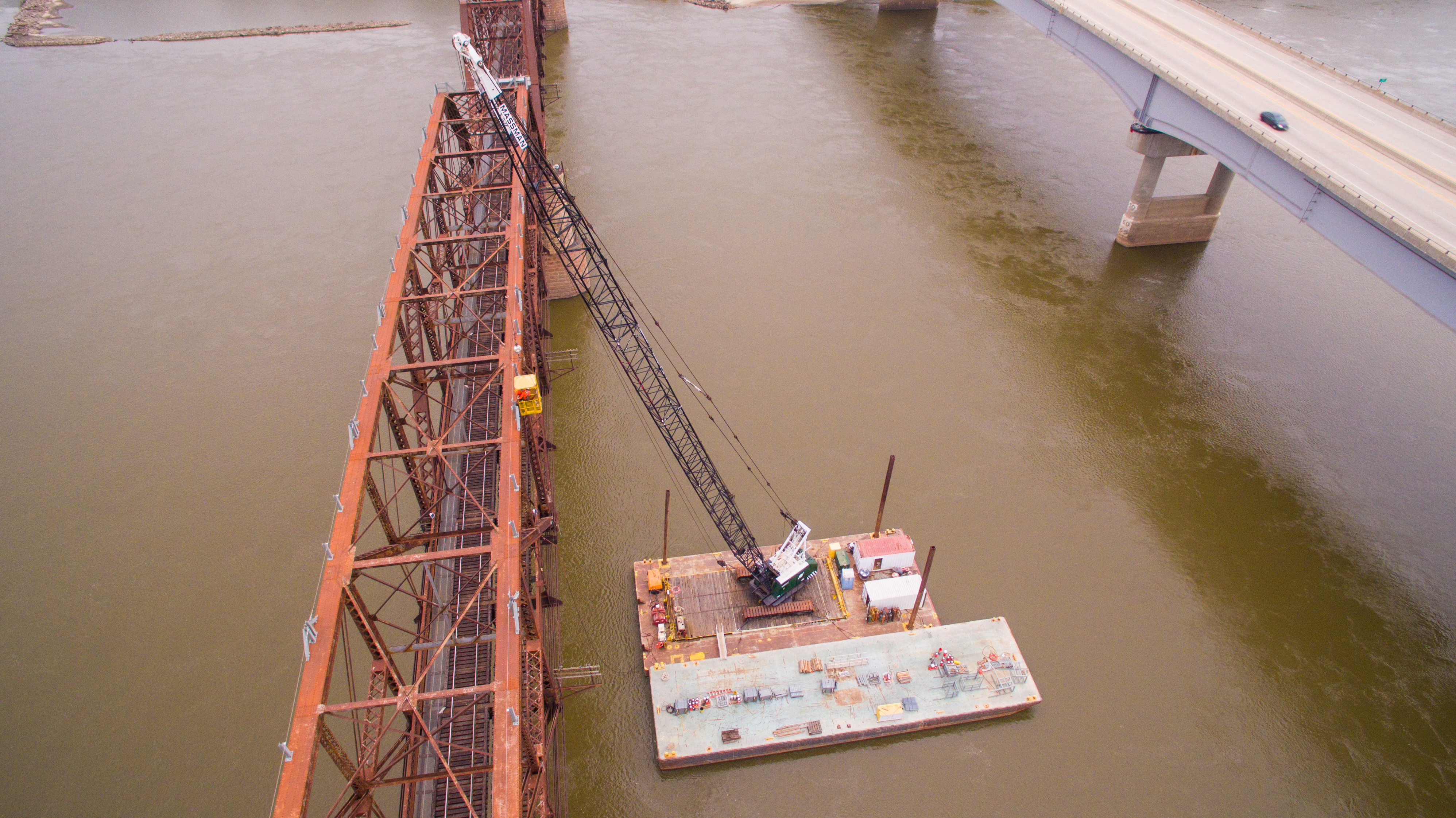
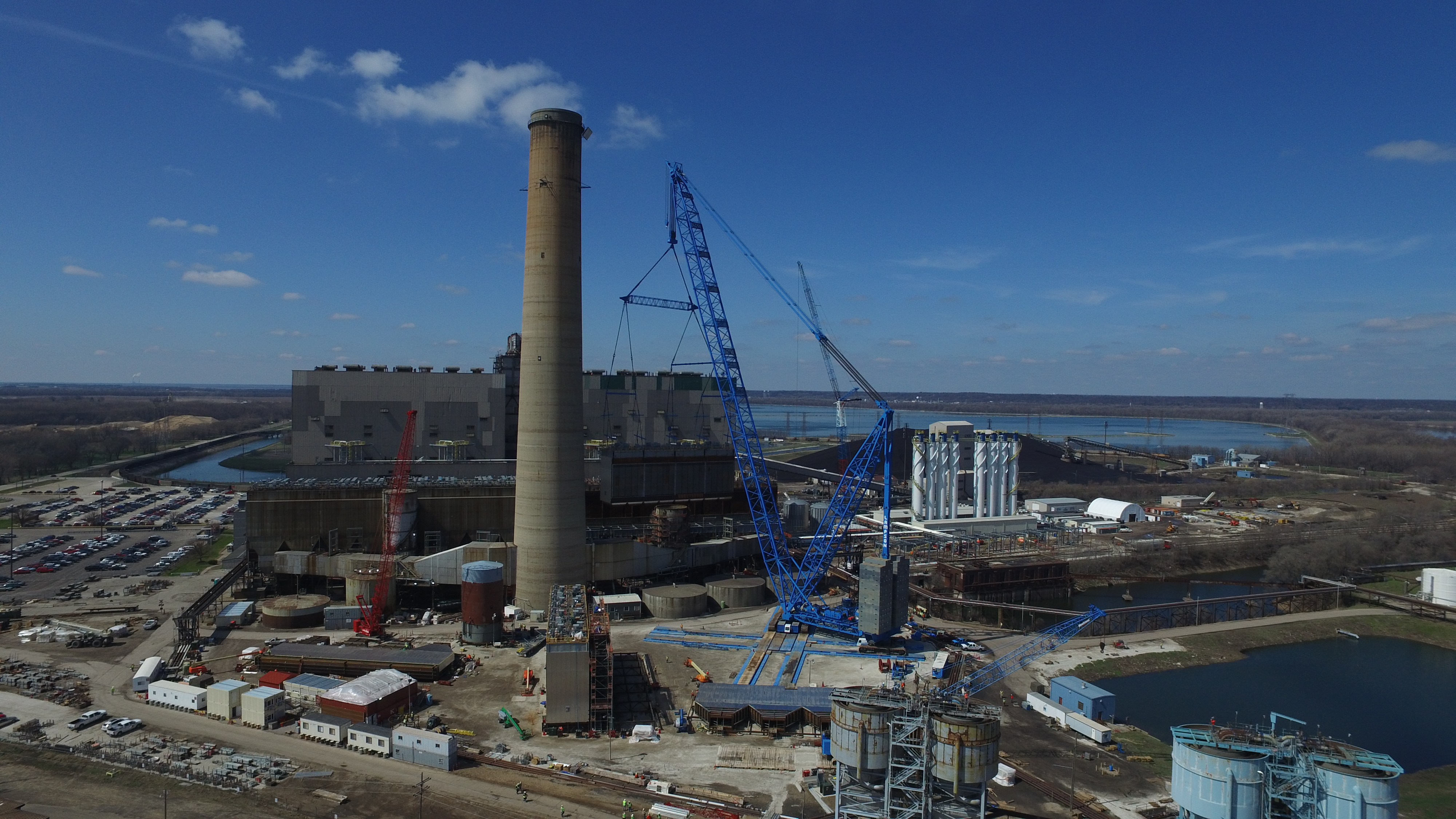
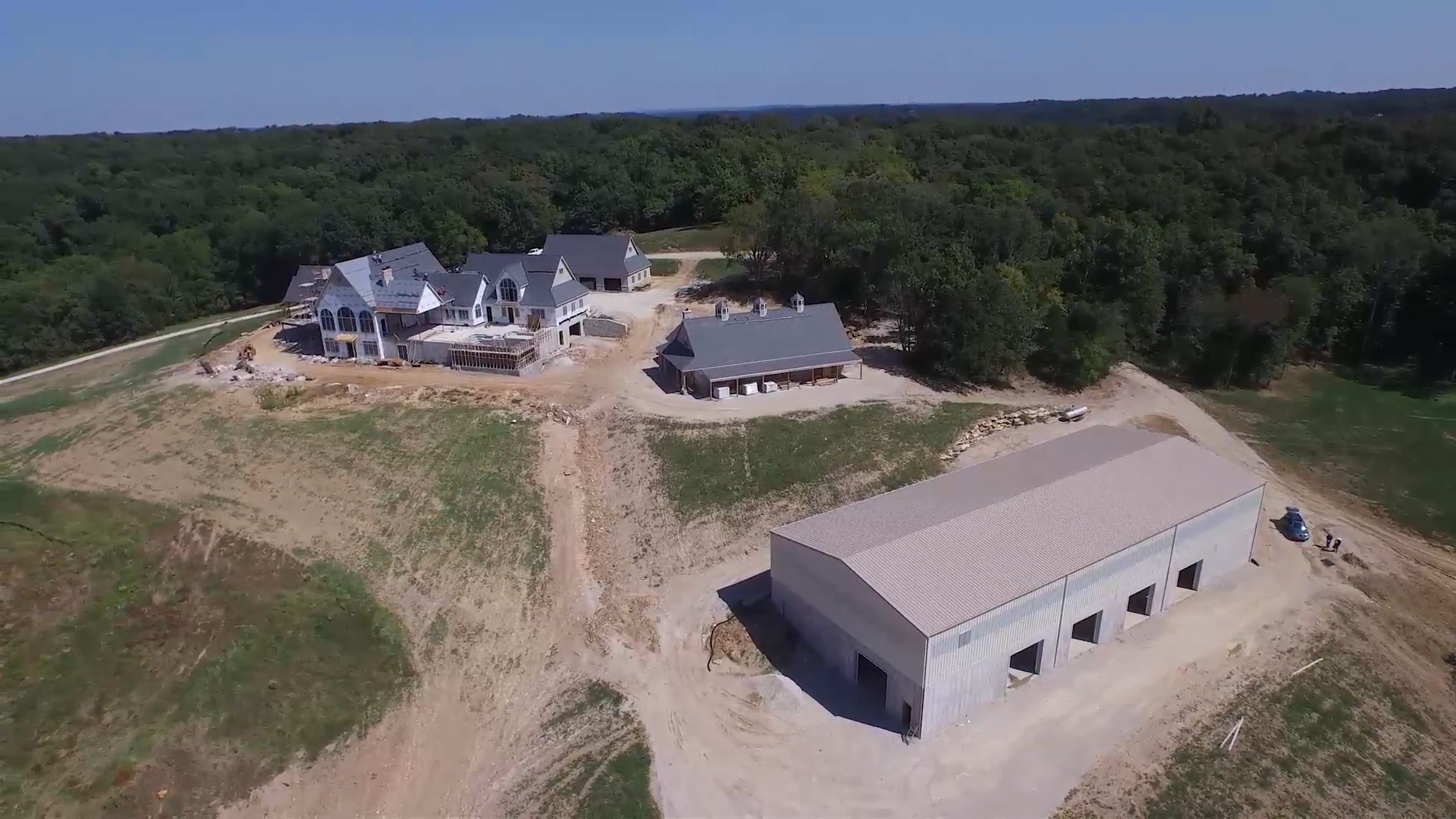
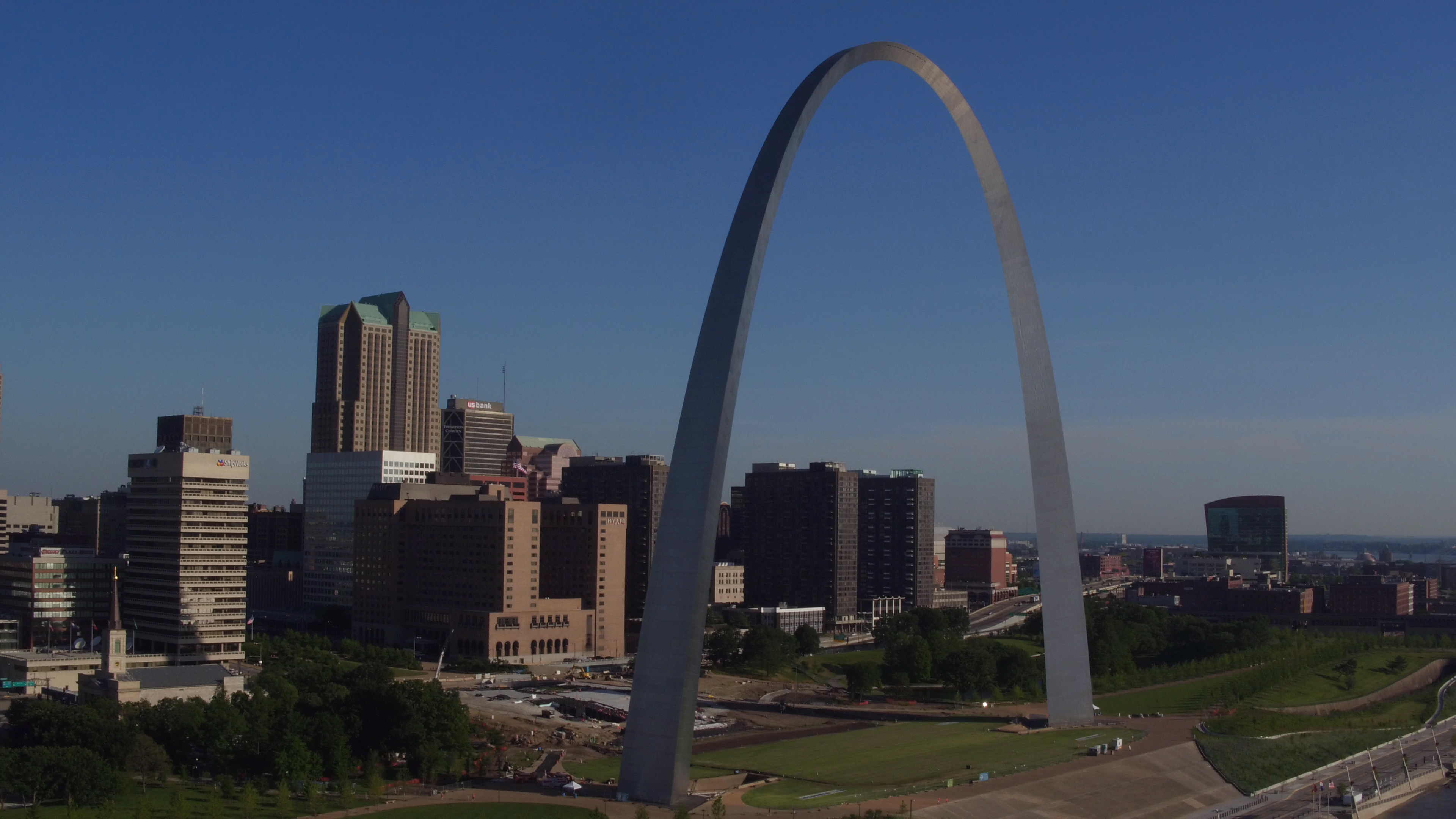
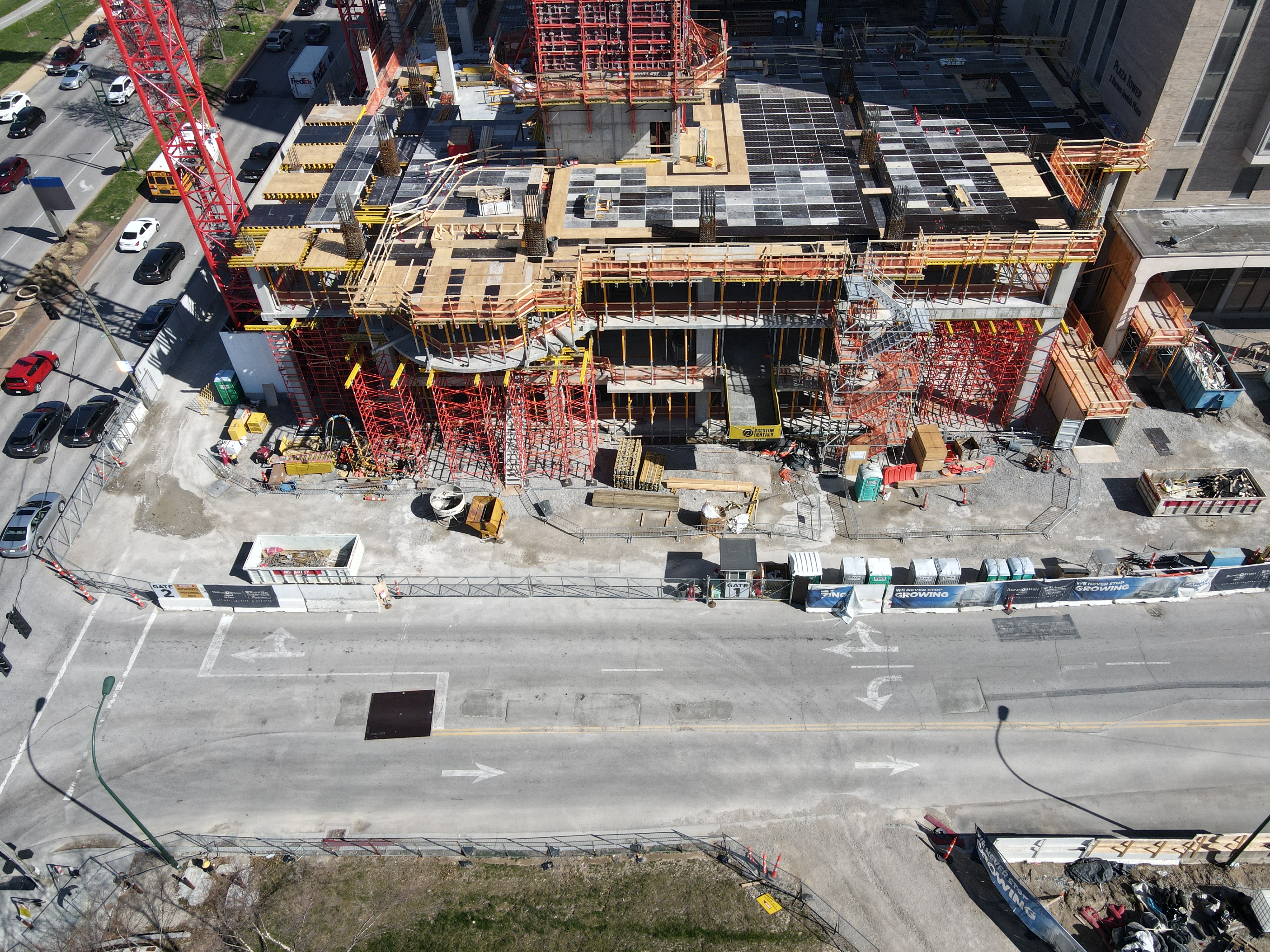
Drones can capture images and videos of the site at various stages, providing an accurate record of progress.

The Evolution of Construction Site Monitoring

Traditionally, monitoring a construction site was a labor-intensive process that involved manual inspections and sometimes even climbing tall structures for a closer look. This not only posed safety risks but was also time-consuming. With the advent of drone technology, the game changed dramatically.

1. Aerial Surveying

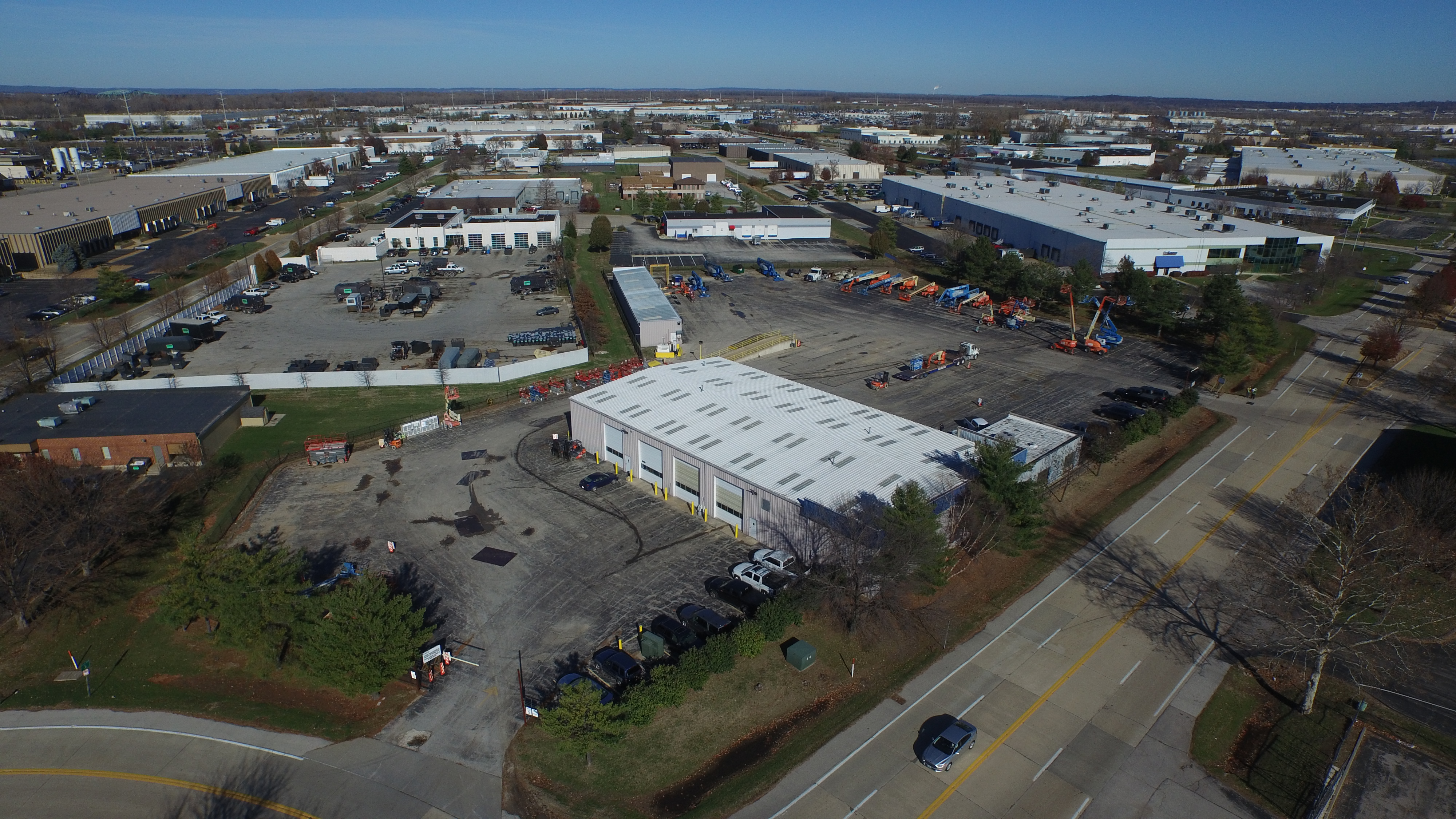
Drones, with their ability to capture high-definition aerial images and videos, offer a bird’s-eye view of construction sites. This enables project managers, engineers, and stakeholders to have a comprehensive and real-time overview of the entire site. Aerial surveys can be conducted regularly, allowing for the tracking of progress and the identification of potential issues early in the construction process.

2. Safety Inspections

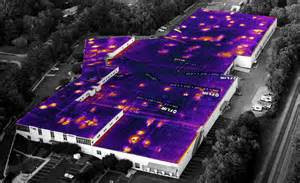
Safety is paramount on construction sites, and drones have proven to be an essential tool for enhancing safety measures. Drones can be equipped with thermal cameras and other specialized sensors to detect safety hazards, such as heat leaks, gas leaks, and electrical issues. Moreover, they can monitor worker compliance with safety protocols and ensure that no one is in harm’s way.

3. Progress Tracking

Tracking the progress of a construction project is crucial for staying on schedule and within budget. Drones can capture images and videos of the site at various stages, providing an accurate record of progress. This can be particularly useful for comparing the actual work done with the project timeline, identifying delays, and making necessary adjustments.

4. Site Security

Construction sites are often vulnerable to theft, vandalism, and trespassing. Drones can act as a security asset by patrolling the area and providing real-time alerts if any unauthorized activity is detected. They can be programmed to fly surveillance routes and record any suspicious activity, thereby deterring potential threats.

How Drones Benefit Construction Site Monitoring

The adoption of drone services in construction offers several notable advantages:

1. Time and Cost Efficiency

Drones significantly reduce the time and labor required for site inspections. Traditional methods may take days or even weeks to complete, while drones can provide data within hours. This time efficiency translates to cost savings, as fewer man-hours are needed for monitoring and inspections.

2. Safety

By minimizing the need for manual inspections and climbing structures, drones contribute to a safer working environment. The ability to conduct safety inspections with specialized sensors also enhances on-site safety measures.

3. Accurate Data

Drones capture high-quality images and videos, providing a level of detail that is hard to achieve with the naked eye. This accuracy is essential for making informed decisions and ensuring that the construction process is on track.

4. Real-time Monitoring

Drones offer real-time data and can be programmed to provide alerts if any anomalies or safety hazards are detected. This enables quick responses to emerging issues, preventing potential delays and costly rework.

5. Improved Communication

Drones provide a common platform for sharing visual data with all stakeholders, including architects, engineers, project managers, and investors. This enhances communication and collaboration throughout the project.

St. Louis Drone Services: Your Partner in Construction Site Safety

St. Louis Drone Services is a leading full-service video and photography production company based in St. Louis, specializing in providing comprehensive drone services for construction site monitoring. With a team of experienced and certified drone pilots, we are well-versed in all aspects of shooting and editing videos for construction job sites.

Our services include:

  • Aerial Surveying: We capture high-resolution aerial images and videos to provide an in-depth view of your construction site. Our drones are equipped with cutting-edge cameras and sensors to ensure precise and detailed data.
  • Safety Inspections: Safety is a top priority in the construction industry. Our drones are equipped with thermal cameras and other specialized sensors to identify safety hazards and compliance issues, ensuring that your construction site is a secure and accident-free environment.
  • Progress Tracking: We offer comprehensive progress tracking services, allowing you to monitor the development of your construction project. With regular updates, you can make informed decisions to keep your project on track.
  • Site Security: St. Louis Drone Services provides site security solutions to protect your construction site from theft, vandalism, and trespassing. Our drones can patrol the area and alert you to any unauthorized activity.

Case Study: How We Improved Construction Site Monitoring

Let’s take a look at a real-world example of how St. Louis Drone Services helped a construction company enhance its monitoring and safety measures.

Project Overview

Our client, a large construction firm, was working on a complex project involving the construction of a multi-story building in a densely populated urban area. Safety and progress tracking were major concerns due to the challenging nature of the project.

Our Solution

  1. Regular Aerial Surveys: We conducted weekly aerial surveys to track the progress of the construction. This allowed our client to detect any deviations from the project schedule and address them promptly.
  2. Safety Inspections: Our drones were equipped with thermal cameras, which were used to identify heat leaks and electrical issues. This proactive approach to safety inspections led to the early detection and resolution of potential hazards.
  3. Site Security: Our drones patrolled the construction site during non-working hours, providing an extra layer of security. Any unauthorized activity was quickly identified and reported.

Results

  • The construction project was completed on schedule, thanks to our regular progress tracking.
  • Safety incidents were minimized due to the early detection of safety hazards.
  • Site security was enhanced, and incidents of theft and vandalism were reduced to zero.

Conclusion

The utilization of drone services in construction site monitoring is undoubtedly revolutionizing the industry. From enhanced safety measures to efficient progress tracking, drones are proving to be a game-changer. St. Louis Drone Services, as a full-service drone imagery company, is here to partner with construction businesses of all types and sizes in the St. Louis area.

We understand the unique needs of the construction industry and have the expertise to provide comprehensive drone services that can significantly improve construction site safety, efficiency, and project management. As experts in shooting drone video for commercial construction sites, we are committed to helping our clients achieve their goals.

Contact St. Louis Drone Services today to learn more about how our drone services can benefit your construction project and improve safety. Let us be your trusted partner in construction site monitoring.

314-604-6544

stlouisdroneservices@gmail.com

Must-Have Drone Shots for Documentary Filmmakers

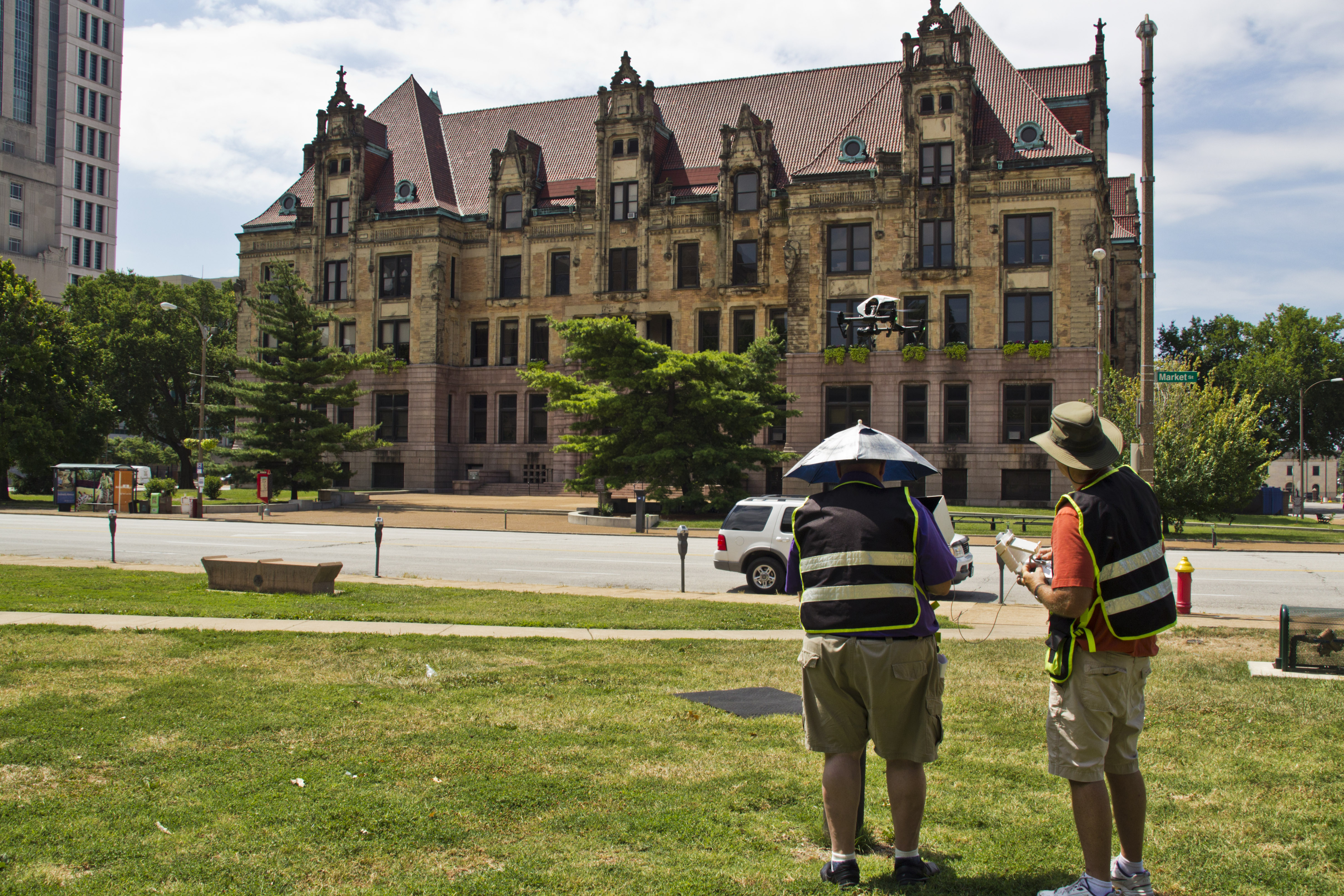
In the world of documentary filmmaking, capturing breathtaking and unique shots is essential to engage your audience and tell a compelling story. Thanks to advances in technology, drones have become an invaluable tool for filmmakers. At St. Louis Drone Services, we understand the importance of these tools and have extensive experience in providing stunning aerial shots for documentaries. In this comprehensive guide, we will explore the must-have drone shots for documentary filmmakers, demonstrating how they can elevate your storytelling and captivate your viewers.

Drones equipped with tracking technology can smoothly track a moving subject, providing dynamic and cinematic shots.

Table of Contents

  • Introduction
  • Establishing Shots
  • Aerial Perspectives
  • Tracking Shots
  • Revealing Shots
  • Time-Lapse Sequences
  • Night Shots
  • Action Shots
  • Closing Shots
  • Leveraging St. Louis Drone Services
  • Conclusion

Introduction

Documentaries are all about storytelling, and drone shots can add depth and visual interest to your narrative. However, knowing when and how to use them is crucial. Here, we will delve into the various types of drone shots that are essential for documentary filmmaking, offering insights and tips to help you create compelling visuals.

Establishing Shots

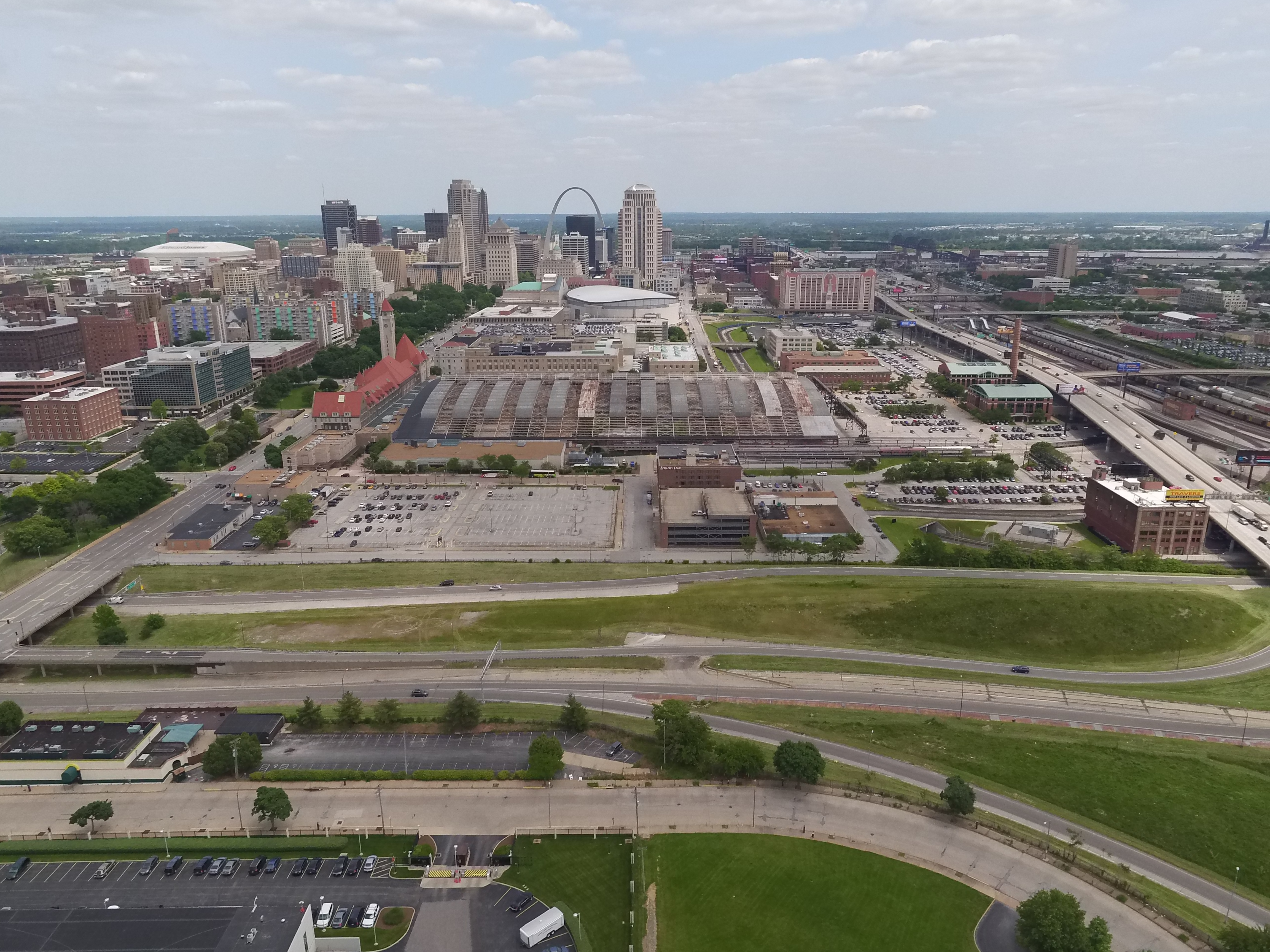
Establishing shots are the first impression you give to your audience about the location or setting of your documentary. They set the stage for what’s to come. Drones are ideal for capturing wide and sweeping shots that showcase the environment. Whether it’s a sprawling landscape, a bustling cityscape, or a serene countryside, drones can provide a bird’s-eye view that is both captivating and informative.

Tip: Use slow, sweeping movements to make your audience feel like they are soaring above the location.

Aerial Perspectives

One of the most significant advantages of drones is their ability to provide unique aerial perspectives. These shots can be used to reveal hidden details or patterns within a landscape. For example, if your documentary is about urban development, a drone can showcase the transformation of a neighborhood over time.

Tip: Experiment with different altitudes and angles to find the most visually compelling perspective for your story.

Tracking Shots

Tracking shots involve following a subject or object as it moves through the frame. Drones equipped with tracking technology can smoothly track a moving subject, providing dynamic and cinematic shots. This is particularly useful for documentaries that involve action sequences or fast-paced storytelling.

Tip: Ensure your drone’s tracking feature is well-calibrated to maintain a consistent focus on the subject.

Revealing Shots

Revealing shots are all about building anticipation and suspense. They involve starting with a close-up or obscured view and gradually revealing more of the scene. Drones can be used to create stunning revealing shots by flying from a tight angle to a wider one, gradually exposing the entire landscape or subject.

Tip: Practice precision and timing to execute revealing shots seamlessly.

Time-Lapse Sequences

Time-lapse sequences are a powerful storytelling tool that can illustrate change or progression over time. Drones can capture these sequences from unique vantage points, showing natural phenomena or human activities in a visually striking way. For example, a time-lapse of a city coming to life at sunrise or a glacier receding over several years can be incredibly impactful.

Tip: Plan your time-lapse shots meticulously, considering factors like lighting and framing.

Night Shots

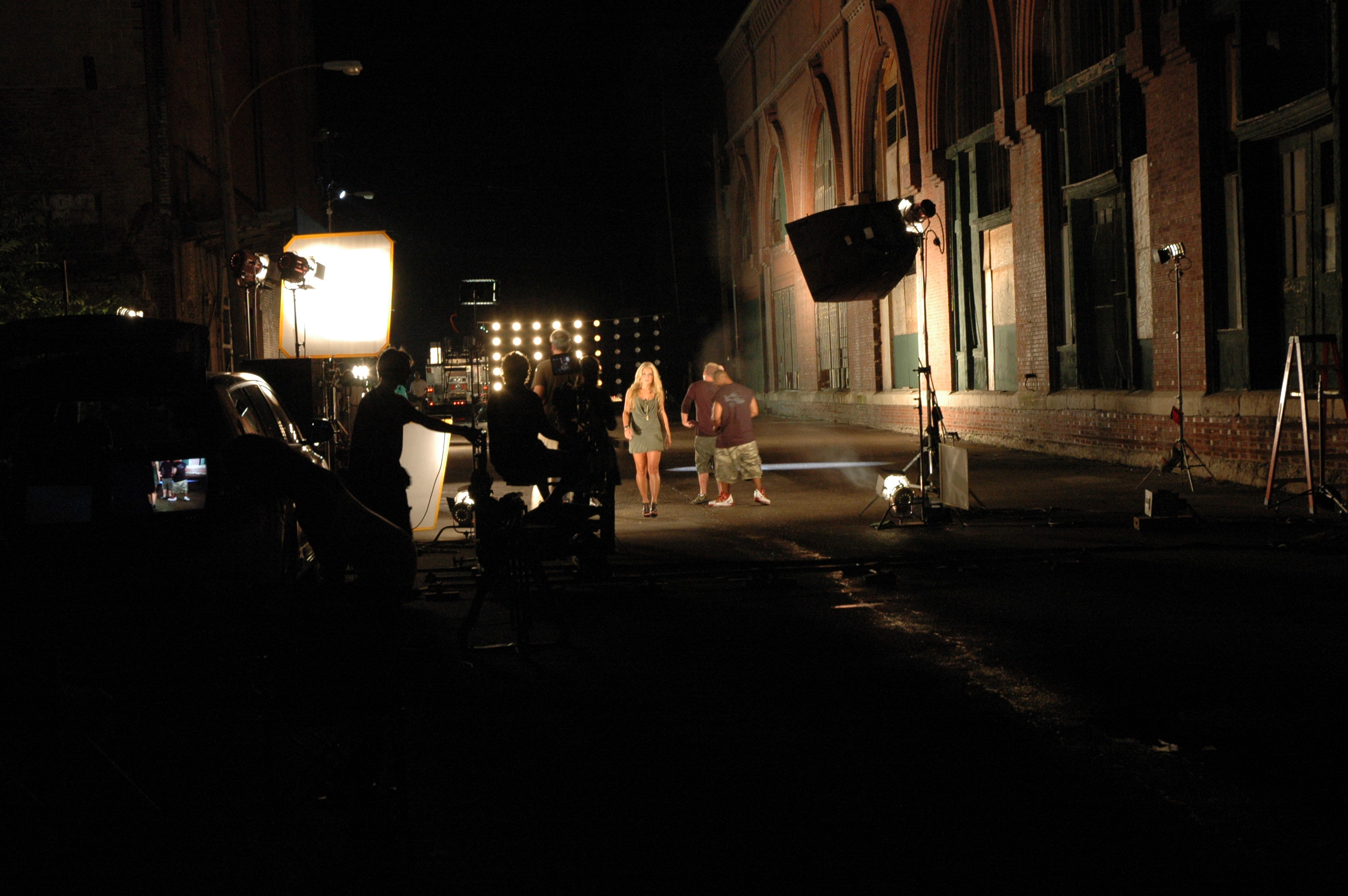
Capturing compelling footage at night can be challenging, but drones equipped with low-light cameras can provide stunning visuals. Night shots can add an extra layer of drama and atmosphere to your documentary. Whether it’s a cityscape illuminated by neon lights or a serene landscape under the stars, these shots can be truly mesmerizing.

Tip: Experiment with different camera settings to achieve the best results in low-light conditions.

Action Shots

Action shots are essential for documentaries that involve movement and excitement. Drones can follow athletes, vehicles, or animals, capturing high-speed action from angles that would be impossible to achieve with traditional camera setups. This adds a thrilling dimension to your storytelling.

Tip: Work closely with experienced drone operators to ensure safety and precision during action shots.

Closing Shots

Just as establishing shots set the stage, closing shots leave a lasting impression on your audience. They can recap the main themes of your documentary or provide a sense of closure. Drones can capture breathtaking closing shots by soaring into the sky, gradually revealing the landscape, and allowing your audience to reflect on the journey they’ve just experienced.

Tip: Make sure your closing shot aligns with the emotional tone and message of your documentary.

Leveraging St. Louis Drone Services

At St. Louis Drone Services, we understand the unique demands of documentary filmmaking. With our extensive experience in drone video production, we can help you bring your documentary to life. Our team of skilled drone operators and videographers is well-versed in all aspects of drone cinematography, ensuring that you get the shots you need to tell your story effectively.

As a professional video production company, St. Louis Drone Services has worked with businesses and organizations of all types and sizes in the St. Louis area. We offer full-service video production and editing capabilities to meet your specific needs. Whether you require aerial shots, ground-based footage, or post-production services, we have the expertise to make your vision a reality.

Don’t miss the opportunity to elevate your documentary with captivating drone shots. Contact us today to learn how St. Louis Drone Services can enhance your business communications through the power of visual storytelling. Let us be your partner in creating cinematic and unforgettable documentaries that resonate with your audience.

Conclusion

In the world of documentary filmmaking, drone shots have become an indispensable tool for capturing breathtaking visuals that engage and captivate audiences. Whether you’re aiming to establish a location, reveal hidden details, track moving subjects, or create dramatic closing shots, drones offer endless possibilities for enhancing your storytelling.

Remember to plan and execute your drone shots carefully, considering factors like perspective, lighting, and timing. By incorporating these must-have drone shots into your documentary, you can elevate the overall quality of your production and leave a lasting impression on your viewers.

And when you’re ready to take your documentary to the next level, don’t hesitate to reach out to St. Louis Drone Services. As a full-service video production company with a deep understanding of drone technology, we are here to help you achieve your vision and communicate your message effectively. Contact us today to explore how we can partner with you in creating compelling and visually stunning documentaries that resonate with your audience.

314-604-6544

stlouisdroneservices@gmail.com

The Best Video Formats for Different Social Media Platforms

In today’s digital age, video has become a dominant force in the realm of content creation and business communication. Whether you’re a startup, a small business, or a large corporation, leveraging the power of video is essential to engage your target audience and effectively convey your message. However, when it comes to sharing your video content on various social media platforms, understanding the nuances of video formats becomes paramount. In this article, we’ll delve into the intricacies of selecting the best video formats for different social media platforms, ensuring your videos are optimized for quality and performance across the digital landscape.

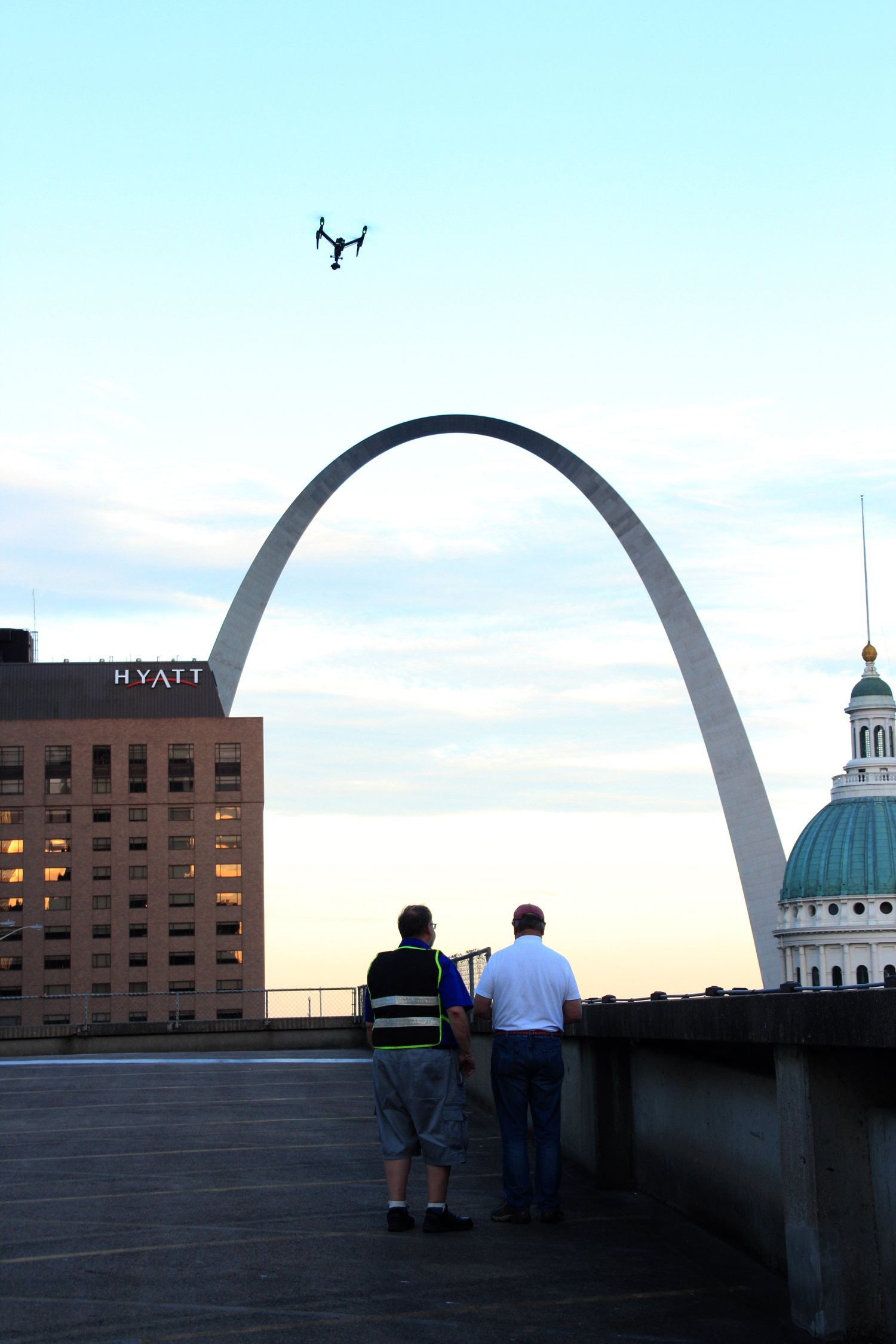
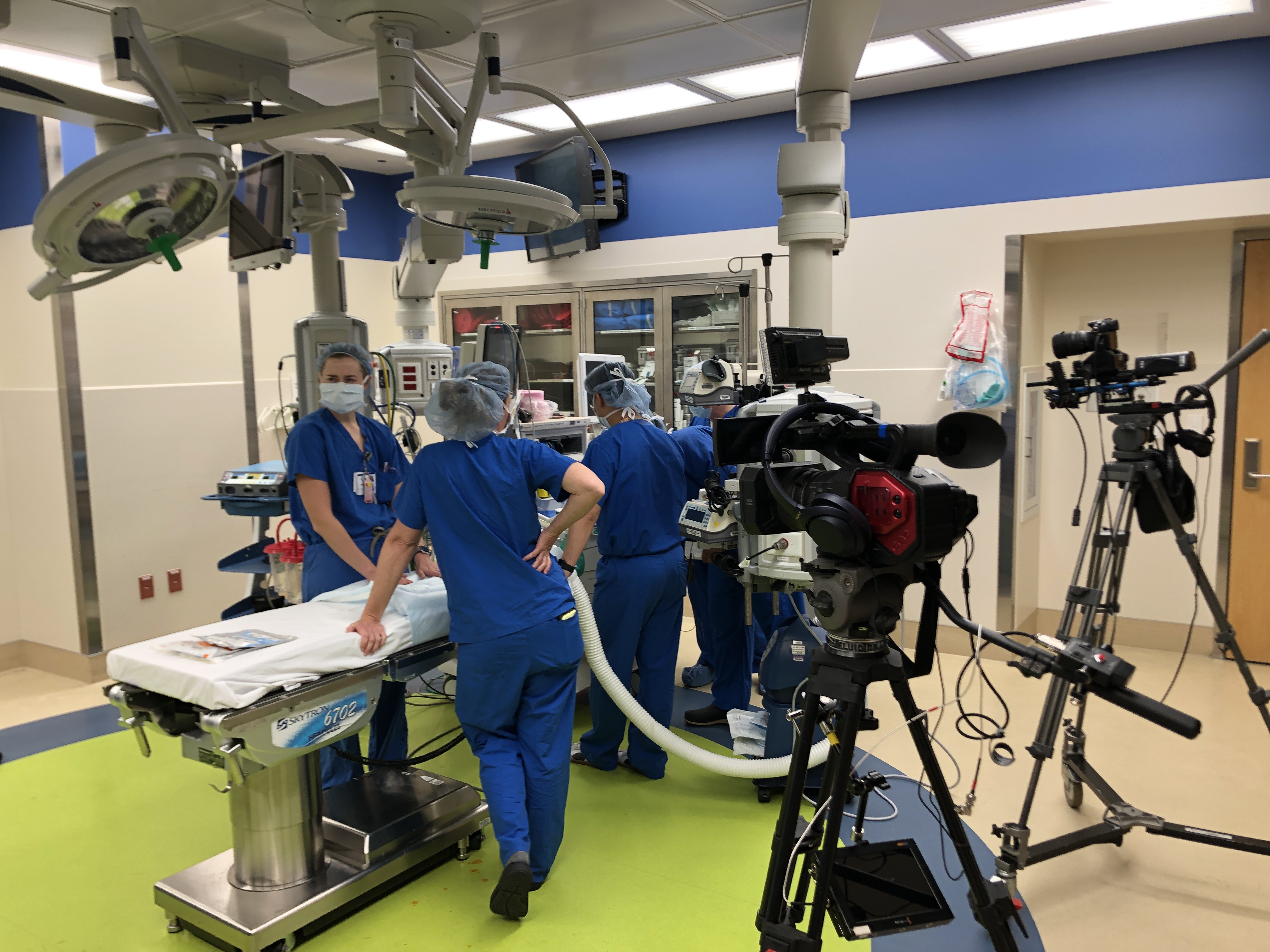
Whether you seek to engage customers, train employees, or promote products, our team is equipped to guide you through every stage of the video production process.

The Importance of Choosing the Right Video Format

Before we dive into the specifics of video formats for social media, let’s underscore the significance of this choice. Selecting the appropriate video format directly impacts the quality, compatibility, and engagement of your content. In a world where attention spans are shrinking, it’s imperative that your videos load quickly, display seamlessly, and retain their visual appeal across various devices and platforms.

Understanding Common Video Formats

1. MP4 (H.264)

The MP4 format, encoded with the H.264 codec, stands as one of the most widely accepted and versatile video formats. It strikes an optimal balance between video quality and file size, making it a popular choice for social media platforms. Most platforms, including Facebook, Instagram, and Twitter, fully support MP4 videos, ensuring your content reaches a broad audience without compatibility issues.

2. MOV

Developed by Apple, the MOV format is another viable option for social media sharing. While it maintains excellent video quality, it might result in larger file sizes compared to MP4. Platforms like Instagram and Twitter can handle MOV files, but keep in mind that some users might experience slower load times due to larger file sizes.

3. AVI

Although the AVI format offers high-quality videos, it tends to have larger file sizes and is less commonly used on social media platforms. It’s advisable to avoid AVI files unless you have specific requirements that necessitate this format.

4. WebM

WebM is an open-source format that provides efficient compression and high video quality. It’s well-suited for platforms like YouTube and Reddit, which prioritize quick loading times and excellent playback quality.

5. GIF

For short, looped animations or graphics, the GIF format remains a favorite on platforms like Twitter and Tumblr. However, due to its limited color palette and resolution, it’s best suited for simple animations rather than full-motion videos.

Platform-Specific Recommendations

To ensure your videos shine on each social media platform, let’s explore the optimal video formats for some of the most popular ones:

Facebook

  • Recommended Video Format: MP4 (H.264)
  • Resolution: 1080p or 720p
  • Aspect Ratio: 16:9
  • Maximum Video Length: 240 minutes

Instagram

  • Recommended Video Format: MP4 (H.264)
  • Resolution: 1080p or 720p
  • Aspect Ratio: 1:1 (square), 4:5 (vertical), or 16:9 (horizontal)
  • Maximum Video Length: 60 seconds in feed, 15 seconds in stories

Twitter

  • Recommended Video Format: MP4 (H.264)
  • Resolution: 1280×720 (landscape) or 720×1280 (portrait)
  • Aspect Ratio: 16:9 (landscape) or 9:16 (portrait)
  • Maximum Video Length: 2 minutes and 20 seconds

YouTube

  • Recommended Video Format: MP4 (H.264)
  • Resolution: 1080p or higher
  • Aspect Ratio: 16:9
  • Maximum Video Length: 12 hours

LinkedIn

  • Recommended Video Format: MP4 (H.264)
  • Resolution: 360p, 480p, 720p, or 1080p
  • Aspect Ratio: 1:2.4 to 2.4:1
  • Maximum Video Length: 10 minutes

St Louis Drone Services: Your Partner in Business Communication

As a reputable and experienced video production company, St Louis Drone Services is poised to elevate your business communication through compelling visual content. Based in the vibrant heart of St. Louis, our team of skilled professionals boasts a wealth of expertise in all aspects of video production, both in outdoor locations and controlled studio environments. Whether you require aerial shots that captivate or ground-level footage that resonates, we have the knowledge and resources to bring your vision to life.

Having collaborated with a diverse array of clients, ranging from small enterprises to large organizations, we understand the intricacies of crafting videos that convey your message effectively. Our portfolio showcases hundreds of successful aerial and ground video projects, testifying to our commitment to excellence and customer satisfaction. We take pride in tailoring our services to meet your unique requirements, ensuring your videos not only meet but exceed your expectations.

In a world where visual storytelling reigns supreme, St Louis Drone Services stands as your dedicated partner in translating ideas into impactful videos. Whether you seek to engage customers, train employees, or promote products, our team is equipped to guide you through every stage of the video production process. From conceptualization and scriptwriting to filming, editing, and post-production, we’re here to transform your concepts into captivating narratives that resonate with your target audience.

Elevate Your Business Communication with St Louis Drone Services

Don’t miss the opportunity to harness the potential of video in enhancing your business communication. Join forces with St Louis Drone Services, and let’s embark on a journey to create visually stunning videos that convey your brand’s essence and captivate your audience. Contact us today to discuss your video production needs and discover how we can be the driving force behind your success.

As professional video producers, St Louis Drone Services has shot for hundreds of aerial and ground video projects for all types of large and small businesses and organizations in the St. Louis region.

314-604-6544

stlouisdroneservices@gmail.com

Enhance Your Advertising Campaigns with Drone Video Footage: Recommended File Types Unveiled

The Power of Aerial Videography in Modern Advertising

In today’s highly competitive business landscape, companies are constantly seeking innovative ways to capture the attention of their target audience and stand out from the crowd. One such tool that has revolutionized the world of advertising is drone videography. By leveraging the unique perspective and stunning visuals provided by drones, businesses can create captivating and immersive video content that leaves a lasting impression on viewers.

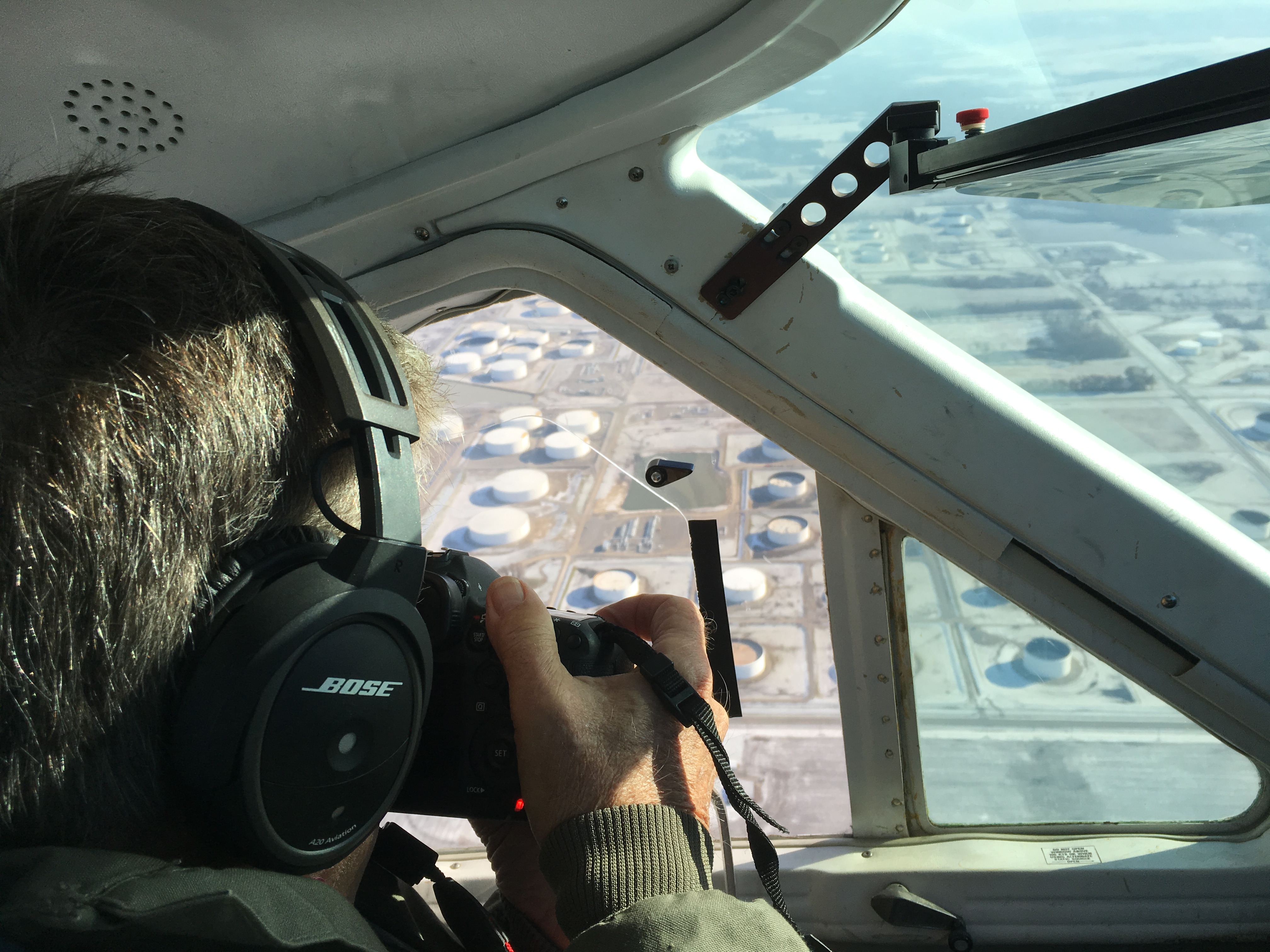
Different file formats offer varying levels of quality, compression, and compatibility, and choosing the optimal format ensures that your video retains its visual fidelity and can be seamlessly integrated into your marketing materials.

At St. Louis Drone Services, we are seasoned producers and drone photographers who specialize in providing top-notch aerial video and photography services to help businesses elevate their marketing campaigns. In this article, we will explore the recommended file types for drone video footage and explain how they can enhance your advertising efforts.

The Advantages of Drone Video Footage

Drone video footage offers several advantages over traditional ground-based videography. By taking to the skies, businesses can capture breathtaking aerial views of their locations, showcasing their facilities, landscapes, and surrounding areas in a way that was previously impossible or cost-prohibitive. This unique perspective instantly grabs the attention of viewers and provides a fresh and exciting way to showcase products, services, and brand identity.

Immersive Storytelling

One of the primary benefits of drone video footage is its ability to tell compelling stories. With sweeping aerial shots, smooth pans, and dynamic movement, businesses can create visually stunning narratives that engage viewers on an emotional level. Whether you want to showcase a real estate property, promote a tourist destination, or highlight the grandeur of an event, drone video footage allows you to transport your audience and immerse them in your brand’s story.

Unparalleled Visual Impact

Aerial videography has an inherent wow-factor that grabs attention and sets your brand apart. The expansive and cinematic visuals provided by drones create a sense of scale and grandeur that traditional videography struggles to match. By incorporating drone video footage into your advertising campaigns, you can captivate your audience, evoke emotions, and leave a lasting impression that drives brand recognition and recall.

Versatility and Flexibility

Drone video footage is incredibly versatile and can be tailored to suit various marketing needs. Whether you require footage for television commercials, online ads, social media campaigns, website backgrounds, or corporate presentations, drones can capture the shots you need. From sweeping panoramas to close-up details, aerial videography provides a range of perspectives and framing options that cater to your specific requirements.

Recommended File Types for Drone Video Footage

When it comes to capturing and delivering drone video footage, selecting the right file types is crucial. Different file formats offer varying levels of quality, compression, and compatibility, and choosing the optimal format ensures that your video retains its visual fidelity and can be seamlessly integrated into your marketing materials. Here are the recommended file types for drone video footage:

1. MP4 (H.264)

MP4, encoded with the H.264 video codec, is the most widely supported and versatile file format for drone video footage. It offers an excellent balance between quality and file size, making it ideal for online streaming, social media platforms, and most video editing software. MP4 files can be easily shared, uploaded, and embedded into websites, ensuring your content reaches a wide audience without sacrificing visual fidelity.

2. MOV (ProRes or DNxHD)

MOV files encoded with professional codecs such as ProRes or DNxHD are the preferred choice for high-quality and uncompressed drone video footage. These file types maintain the utmost visual integrity, allowing for extensive post-production editing and color grading. MOV files are commonly used in professional video editing suites like Final Cut Pro and Avid Media Composer, ensuring seamless integration with your existing workflow if you require advanced editing capabilities.

3. RAW (DNG or CinemaDNG)

For maximum flexibility and control over post-production editing, capturing drone video footage in RAW formats such as DNG (Digital Negative) or CinemaDNG is recommended. RAW files retain all the original sensor data, providing unparalleled latitude for color grading, exposure adjustments, and enhancing dynamic range. However, it’s important to note that RAW files require extensive processing and may have larger file sizes, necessitating powerful hardware and dedicated post-production workflows.

Elevate Your Advertising Campaigns with St. Louis Drone Services

As experienced multimedia photographers, St. Louis Drone Services has created hundreds of drone productions all over the St. Louis region. Our team of skilled professionals possesses a deep understanding of the technical intricacies involved in capturing stunning aerial video footage. We work closely with our clients to identify their unique marketing objectives and deliver compelling visuals that effectively communicate their brand story.

In addition to aerial video and photography, we excel in shooting a great amount of B-roll footage for testimonials and interview videos. These supplementary shots add depth and context to your marketing materials, enriching your storytelling efforts and enhancing the overall quality of your videos.

If you’re looking to elevate your advertising campaigns and captivate your audience with awe-inspiring drone video footage, St. Louis Drone Services is here to help. Our full-service commercial photography and video company is based in St. Louis and can accommodate all of your aerial video and photography requirements. Contact us today to discuss your branding and business marketing communications needs. Together, we can create impactful visual content that takes your advertising efforts to new heights.

314-604-6544

stlouisdroneservices@gmail.com

Teleprompter Techniques: How to Ensure a Smooth Delivery

Public speaking is an art form that requires not only confidence and charisma but also impeccable delivery. When it comes to delivering speeches, presentations, or video content, many professionals turn to teleprompters to assist them in delivering their message effectively. A teleprompter is a valuable tool that displays the script or prompts in front of the speaker, allowing them to maintain eye contact with the audience while delivering a smooth and engaging performance.

In this article, we will delve into the world of teleprompters and explore techniques to ensure a seamless delivery. Whether you are a seasoned public speaker or new to the stage, mastering these techniques will enhance your ability to connect with your audience and deliver your message with impact.


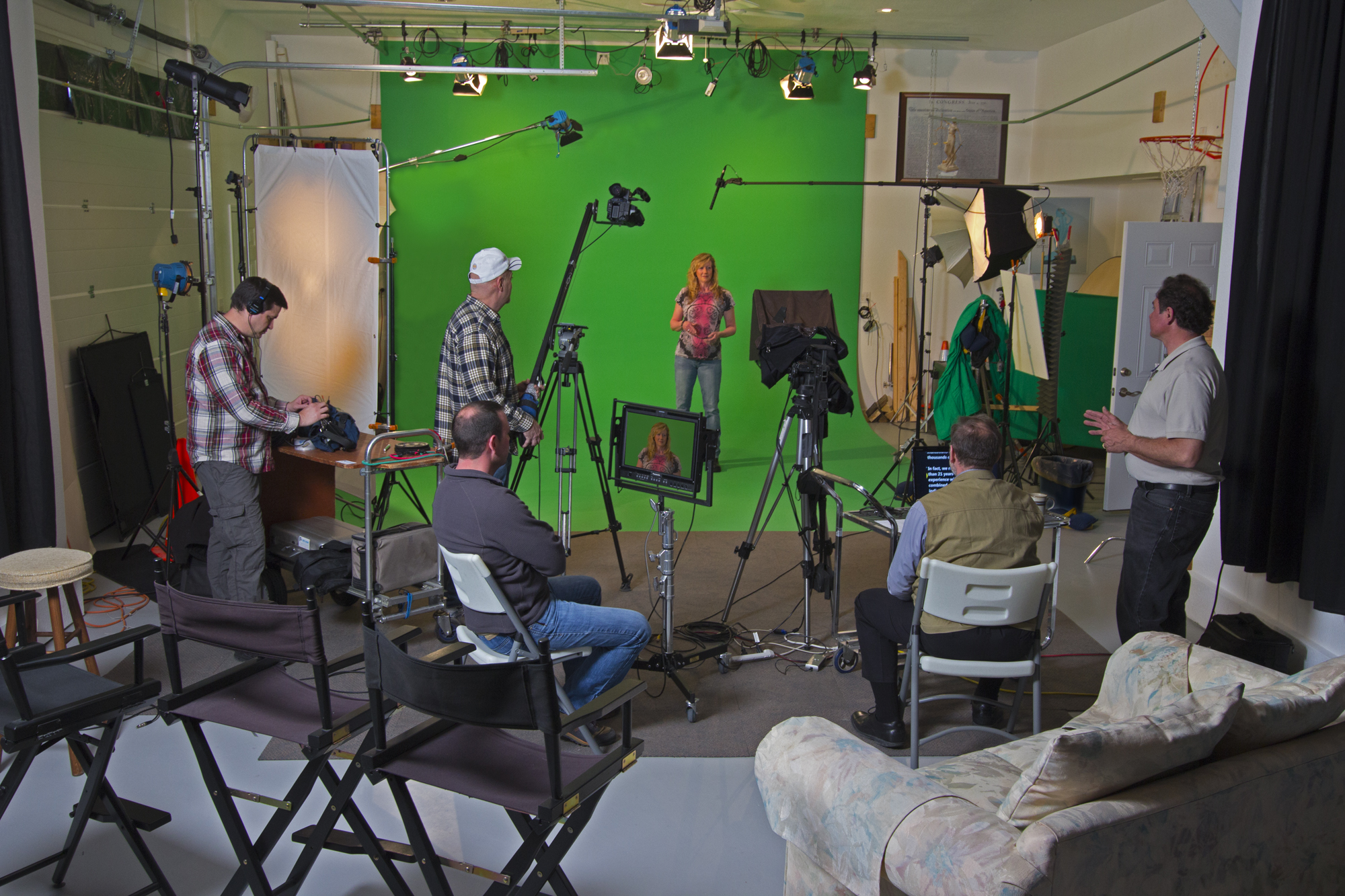
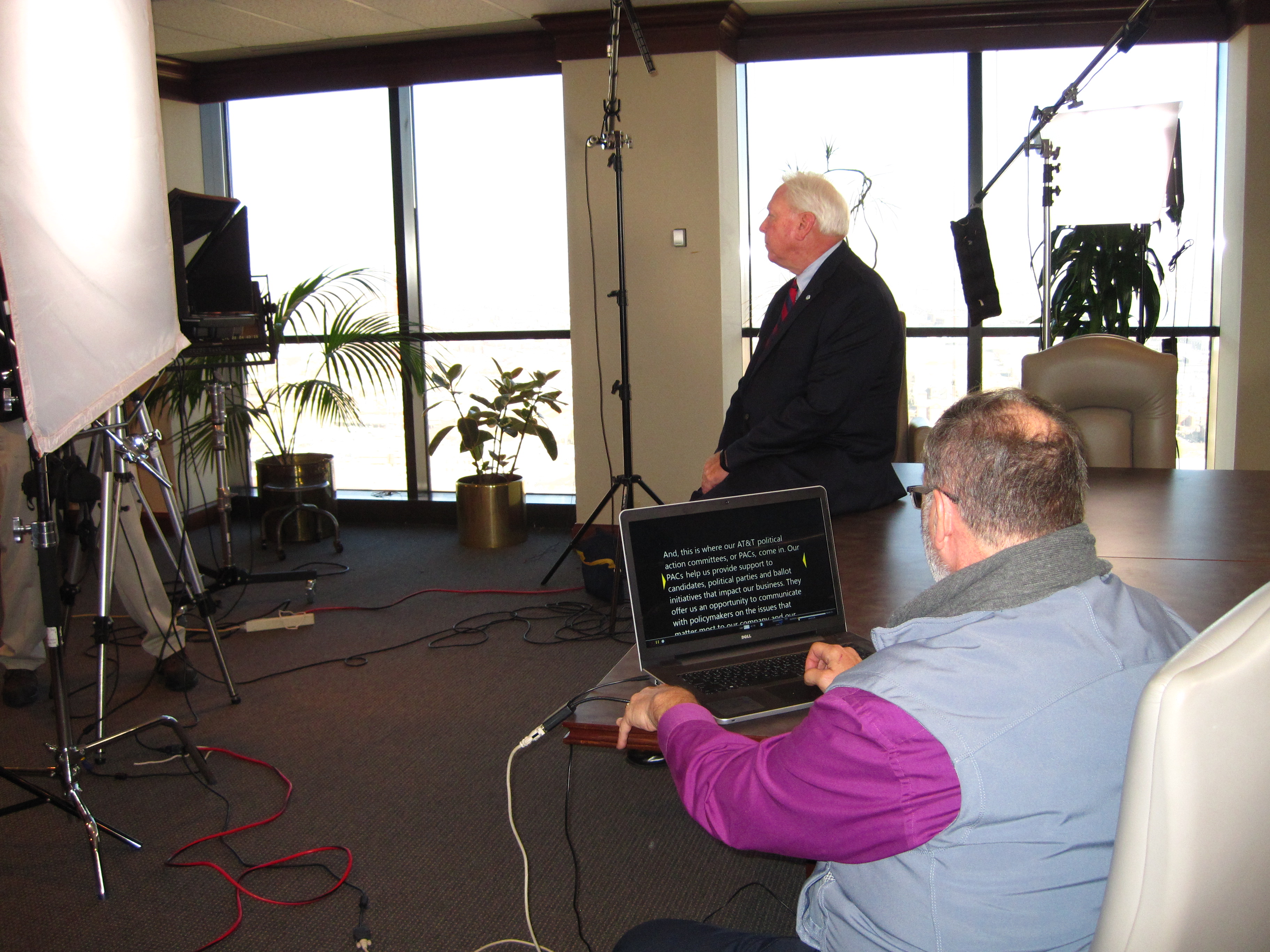
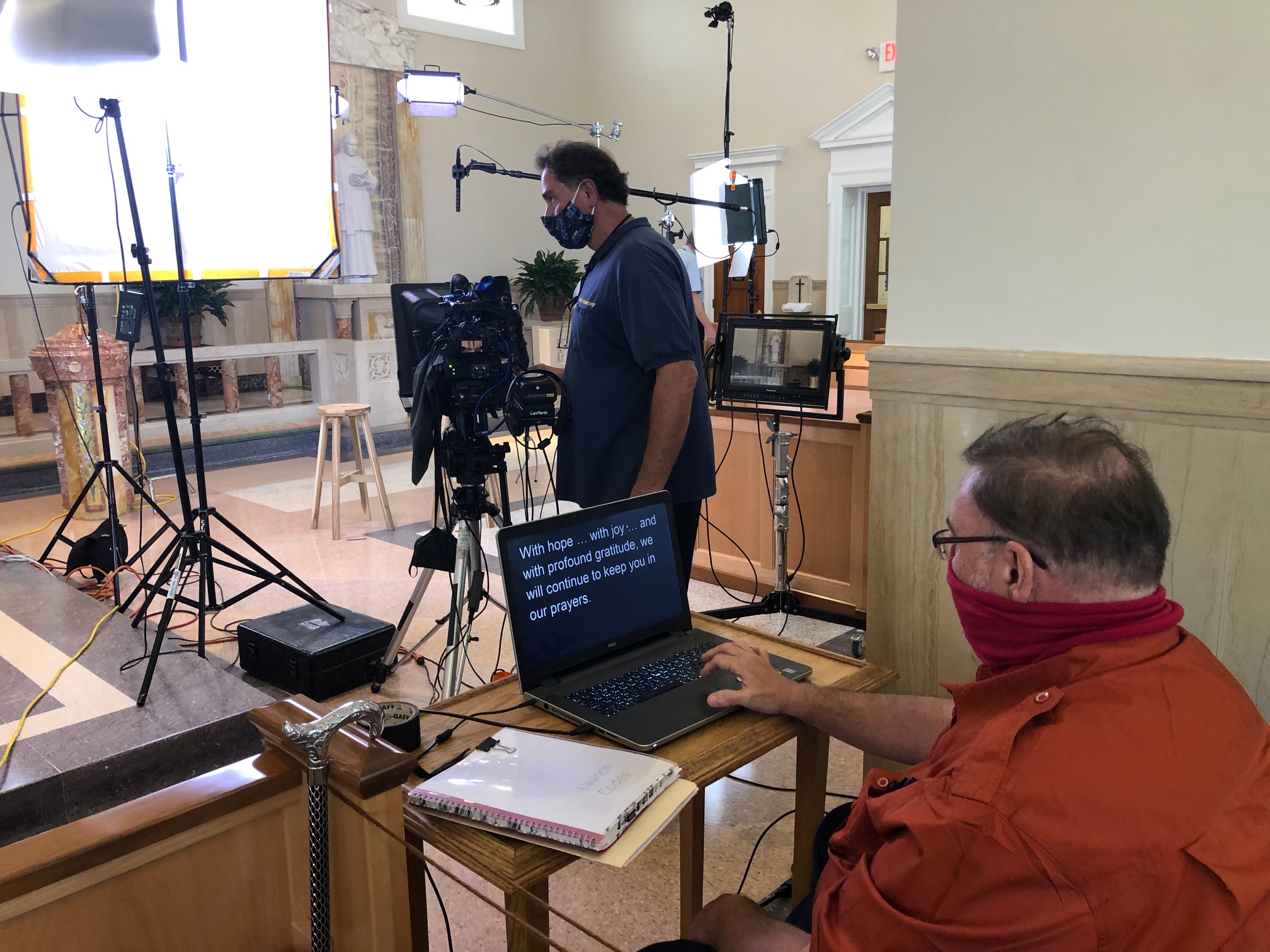
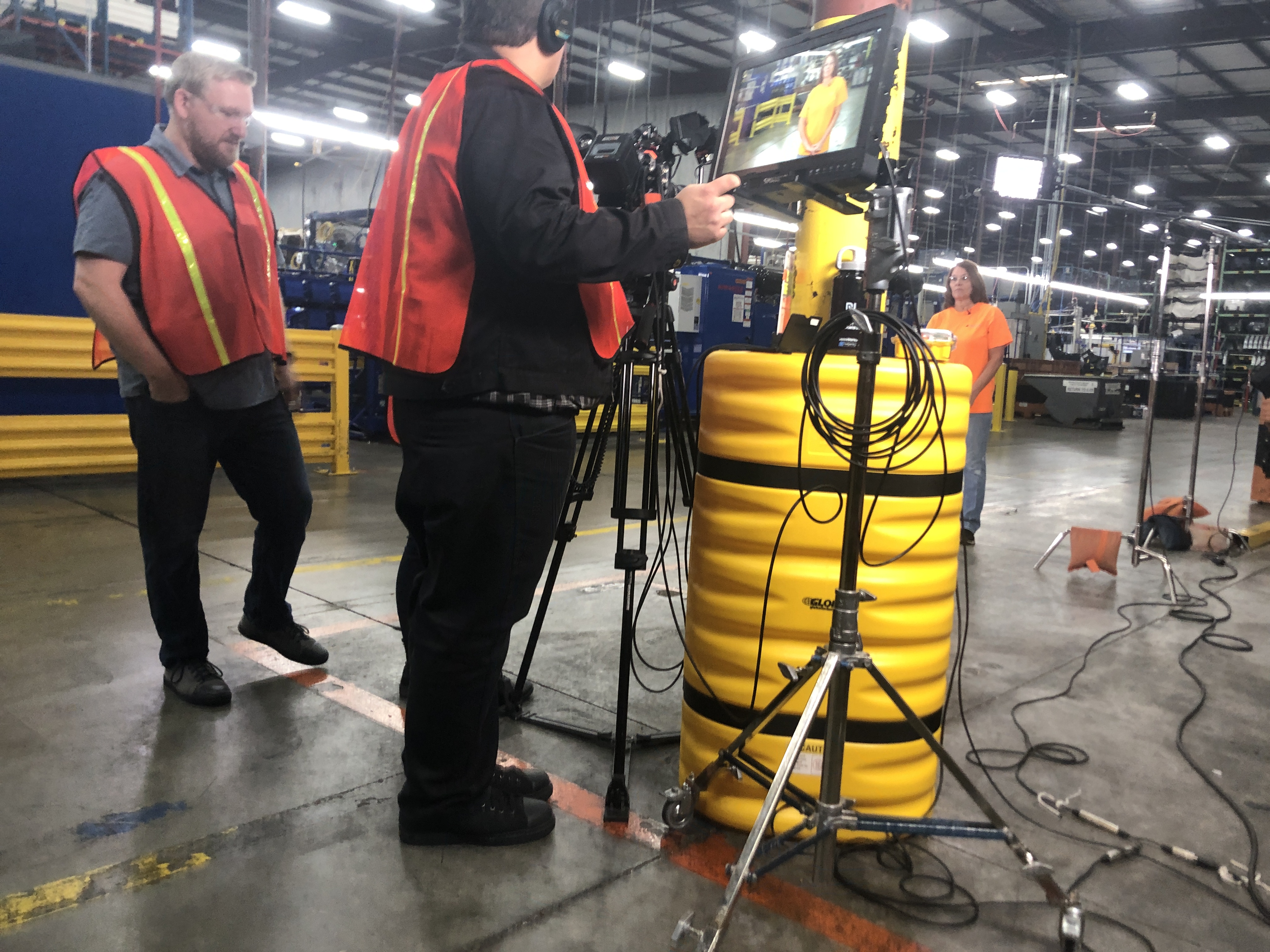
We specialize in teleprompter learning and coaching services. Our video production specialists are dedicated to helping individuals enhance their teleprompter skills and deliver impactful speeches and video production presentations.

Understanding the Teleprompter

A teleprompter is a device that displays a script or prompts on a screen, placed in front of the speaker, enabling them to read the content while maintaining eye contact with the audience. It consists of three essential components:

  1. Glass or Reflective Screen: The teleprompter features a glass or reflective screen positioned at an angle that reflects the text displayed on the monitor below it, creating an illusion that the speaker is looking directly at the camera or audience.
  2. Monitor: The monitor serves as the display unit where the text is electronically scrolled at a controlled speed. It can be connected to a computer or a dedicated teleprompter software for easy content management.
  3. Support System: The teleprompter is mounted on a support system, such as a tripod or teleprompter stand, to ensure stability and adjustability for the speaker’s comfort.

Preparing Your Teleprompter Script

To maximize the effectiveness of the teleprompter, proper script preparation is crucial. Here are some key considerations when creating your teleprompter script:

1. Use a Conversational Tone

Write your script in a conversational tone that matches your speaking style. Avoid complex sentences and jargon that may hinder the flow of your delivery. Break down your content into concise, easily digestible sections.

2. Highlight Keywords and Pauses

Identify the keywords or phrases you want to emphasize in your delivery. Use formatting techniques such as bold or italics to highlight these important elements. Additionally, mark pauses in your script to allow for natural breathing and pacing during your speech.

3. Adjust Font Size and Formatting

Ensure that the font size and formatting of your script are easily readable on the teleprompter monitor. Experiment with different font styles and sizes to find the optimal settings that suit your reading comfort.

4. Divide the Text into Digestible Segments

Break down your script into manageable segments that fit within the teleprompter’s screen size. Dividing your text into smaller sections helps maintain focus and prevents overwhelming scrolling.

5. Practice, Practice, Practice

Familiarize yourself with the script through extensive practice sessions. Read it aloud multiple times to establish a natural flow and become comfortable with the pacing and rhythm of your delivery.


Mastering Teleprompter Delivery

Once you have prepared your script, it’s time to master the art of teleprompter delivery. Follow these techniques to ensure a smooth and engaging performance:

1. Eye Contact and Body Language

Maintain eye contact with the audience or camera by looking directly at the teleprompter glass or reflective screen. Avoid constantly shifting your gaze between the script and the audience, as it can appear distracting. In addition, pay attention to your body language, maintaining an open and relaxed posture that exudes confidence and professionalism.

2. Control the Teleprompter Speed

Adjust the teleprompter speed to match your speaking pace. Aim for a speed that allows you to comfortably read the text while maintaining a natural cadence. Practice controlling the scrolling speed beforehand to ensure a seamless transition between segments.

3. Utilize Natural Pauses and Inflection

As you deliver your speech, make use of natural pauses and inflection to add emphasis and maintain audience engagement. Pausing at appropriate moments not only allows the audience to absorb the information but also adds a sense of anticipation and impact to your delivery. Vary your tone and inflection to convey emotions and maintain a dynamic presentation.

4. Maintain a Steady Speaking Rhythm

Maintaining a steady rhythm in your speech helps you maintain clarity and coherence. Pay attention to your breathing and pace yourself accordingly. Avoid rushing through the script or speaking too slowly, as it can affect the overall flow and impact of your delivery.

5. Practice Gesture Coordination

While reading from a teleprompter, it’s important to coordinate your gestures with the content. Use gestures to enhance your message and emphasize key points. Practice incorporating natural hand movements that complement your speech without distracting from the teleprompter.

6. Be Mindful of Pronunciation and Articulation

Clear pronunciation and articulation are essential for effective communication. Enunciate your words carefully and ensure that your speech is easily understandable. Pay attention to any challenging words or phrases in your script and practice pronouncing them correctly to avoid stumbling during your delivery.

7. Seek Professional Feedback

To refine your teleprompter delivery skills, seek feedback from experienced professionals or coaches. They can provide valuable insights and help you identify areas for improvement. Take their feedback into account and implement it in your practice sessions.


Mastering teleprompter techniques is a valuable skill for any public speaker or video content creator.

By understanding the fundamentals of using a teleprompter and practicing the delivery techniques outlined in this article, you can ensure a smooth and engaging performance that resonates with your audience.

At St Louis Drone Services, we specialize in teleprompter learning and coaching services. Our video production specialists are dedicated to helping individuals enhance their teleprompter skills and deliver impactful speeches and video production presentations. Whether you are new to teleprompters or looking to refine your existing skills, our services can provide you with the guidance and support you need to succeed.

Contact us today to learn more about our teleprompter learning and coaching services and take your speaking abilities to new heights.


Note: This article is written by a video production specialist and drone pilot Rob Haller. We offer teleprompter learning and coaching services to enhance your speaking skills.

How Our St Louis Drone Services Can Help Improve Your Construction Site Safety.

Construction sites can be dangerous places, with heavy machinery, hazardous materials, and unpredictable working conditions. It’s no wonder that construction workers are at a higher risk of injury and fatality than workers in many other industries. However, there are steps you can take to improve construction site safety, and St Louis Drone Services can help.

In this article, we will explore the benefits of using drone services to enhance construction site safety. We will discuss how drones can provide real-time monitoring, reduce the risk of accidents, and improve overall safety on construction sites.

Real-time monitoring

One of the biggest advantages of using drone services for construction site safety is the ability to provide real-time monitoring. Drones equipped with cameras and sensors can capture and transmit data on site conditions, allowing supervisors to make informed decisions and react quickly to potential hazards.

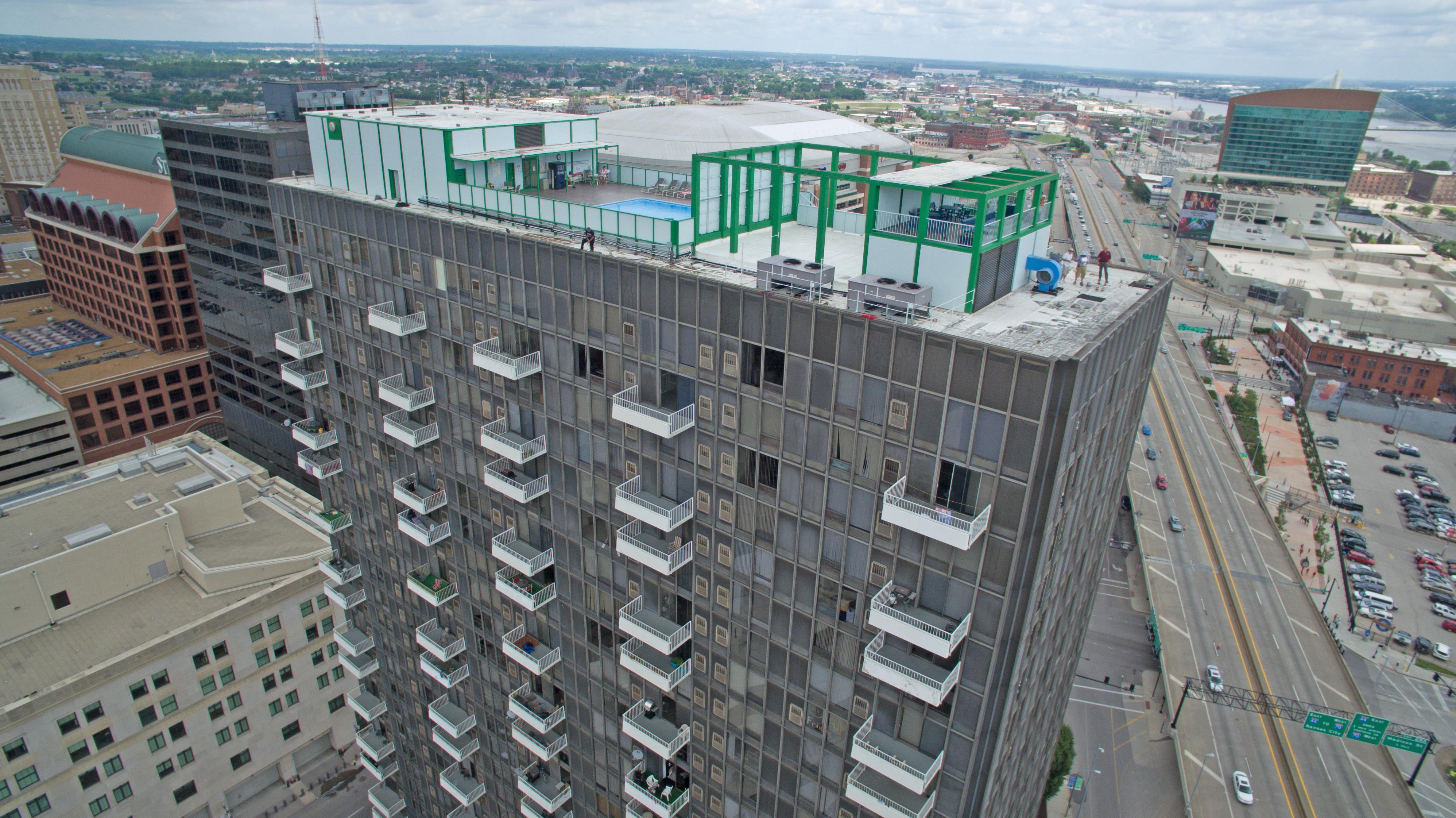
For example, drones can provide aerial views of construction sites, allowing supervisors to monitor progress and identify potential hazards. They can also be used to inspect hard-to-reach areas, such as rooftops or high-rise buildings, without putting workers at risk.

Hazard identification and risk assessment

Drones can also be used to identify hazards and assess risks on construction sites. By collecting data on site conditions, drones can help identify potential hazards before they become accidents. This information can then be used to develop risk management plans and improve safety protocols.

For example, drones can be used to monitor worker behavior and ensure that workers are following safety protocols. They can also be used to identify potential hazards, such as loose scaffolding or unstable structures, that may not be visible from ground level.

Improved safety protocols

In addition to real-time monitoring and hazard identification, drones can also be used to improve overall safety protocols on construction sites. By providing accurate and timely data on site conditions, drones can help supervisors develop more effective safety plans and protocols.

For example, drones can be used to create detailed 3D maps of construction sites, allowing supervisors to identify potential hazards and plan safer work routes. They can also be used to monitor and enforce safety protocols, such as requiring workers to wear personal protective equipment (PPE) or ensuring that heavy machinery is properly secured.

Enhanced training and education

Finally, drones can be used to enhance training and education for construction site workers. By providing aerial views and real-time data, drones can help workers better understand site conditions and potential hazards. This can lead to more effective safety training and a better understanding of how to stay safe on the job.

For example, drones can be used to create interactive training materials, such as virtual reality simulations, that allow workers to practice identifying hazards and responding to potential accidents. They can also be used to monitor worker behavior and provide feedback on safety performance.

Conclusion

Construction site safety is of utmost importance, and St Louis Drone Services can help improve safety on construction sites. Drones can provide real-time monitoring, hazard identification and risk assessment, improved safety protocols, and enhanced training and education for workers. By using drones to enhance construction site safety, you can help prevent accidents, reduce injuries, and save lives.

If you are interested in learning more about how St Louis Drone Services can help improve construction site safety, please contact us today. Our team of experienced drone pilots and safety experts can work with you to develop a customized plan to enhance safety on your construction site.

314-604-6544

stlouisdroneservices@gmail.com

The Dos and Don’ts of Video Interview Production

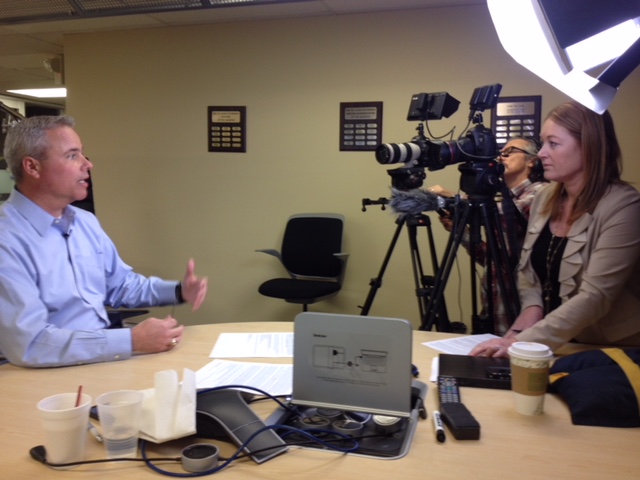
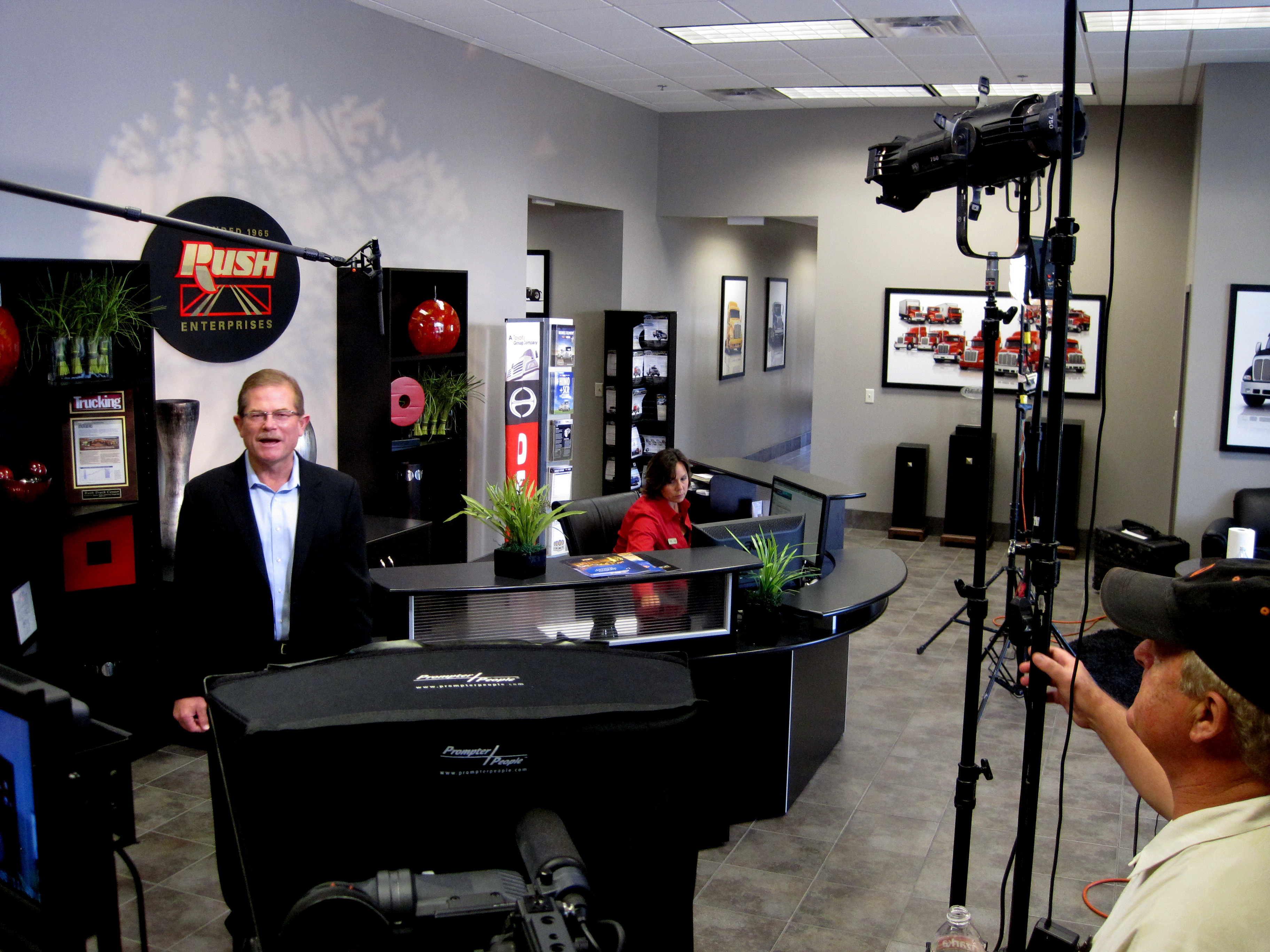
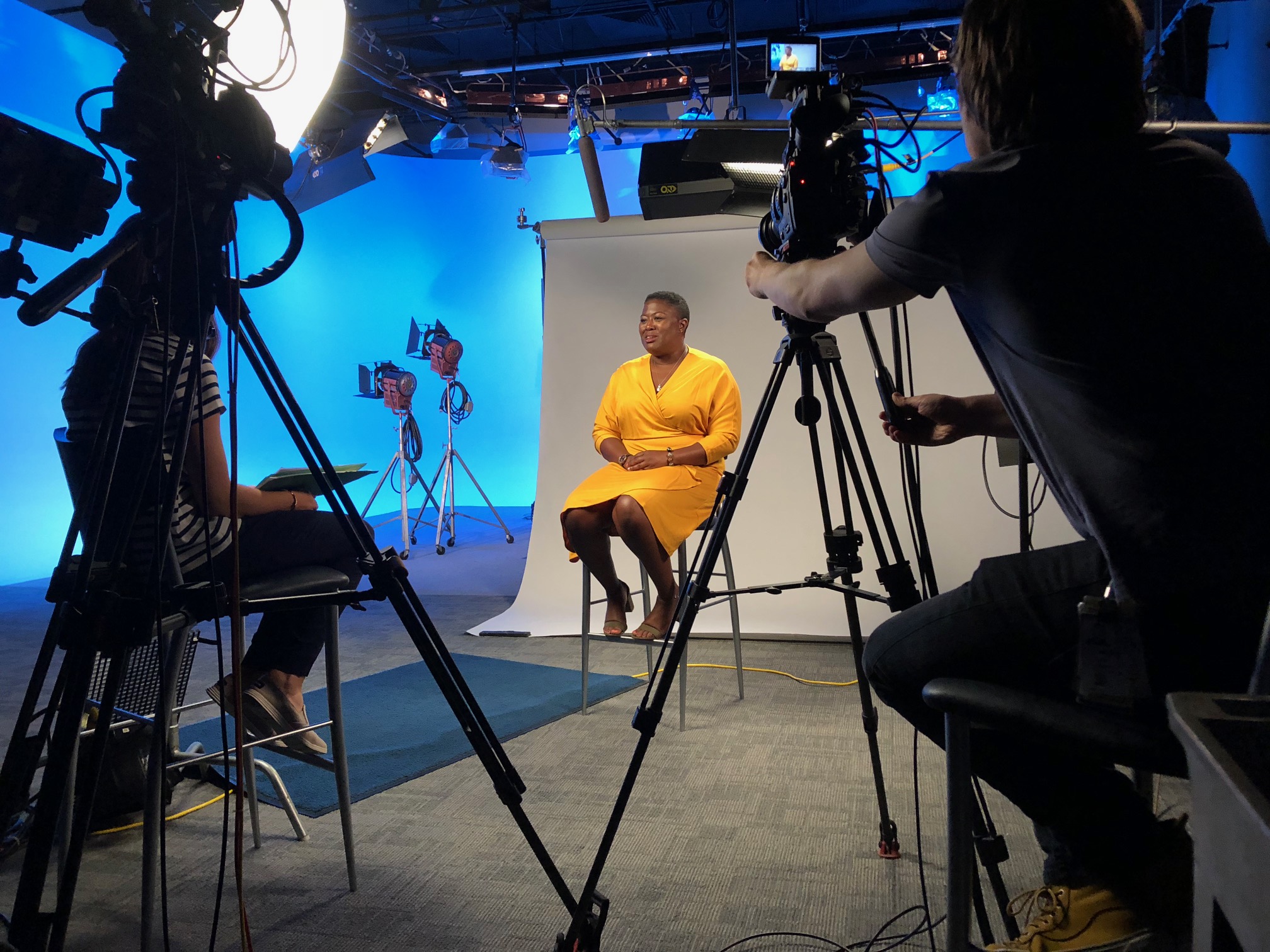
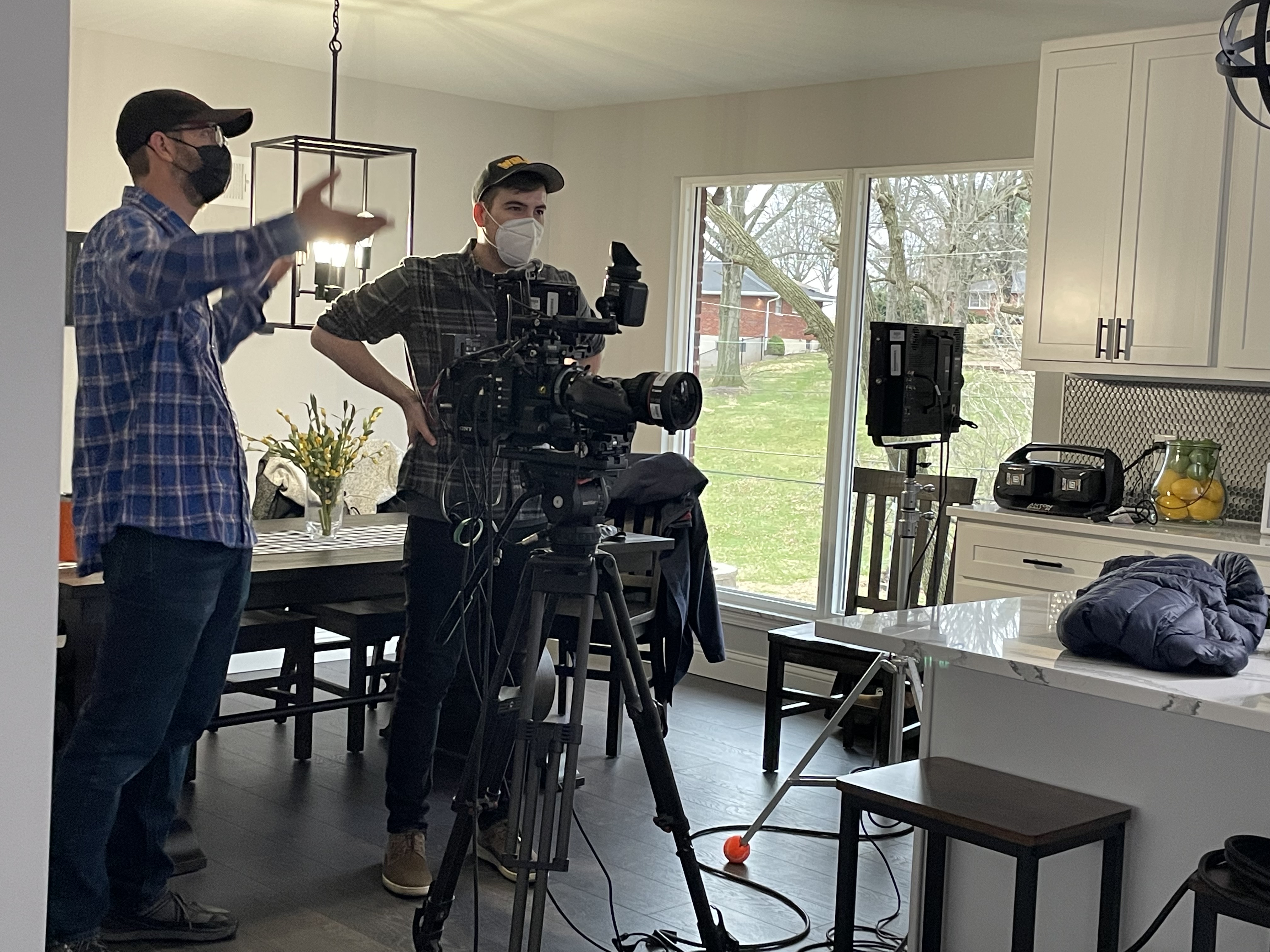
Video interviews have become an essential part of the hiring process, and it’s essential to produce high-quality video interviews that showcase your company’s professionalism.

In today’s fast-paced digital world, video interviews have become a popular way for companies to screen job candidates. With the rise of remote work, video interviews have become even more prevalent. However, producing a high-quality video interview is not as simple as hitting the record button. There are certain dos and don’ts that you need to keep in mind to create a professional and engaging video interview that leaves a positive impression on your candidate. As a digital marketer with experience in video production, I have learned the essential tips and tricks that can make or break your video interview. In this article, we will explore the dos and don’ts of video interview production, so you can create a video interview that showcases your company’s professionalism and leaves your candidates feeling confident and excited about the opportunity to work with you.

The Dos of Video Interview Production

Do: Choose the Right Location

The location you choose for your video interview can make all the difference. You want to choose a location that is quiet, distraction-free, and has a professional look to it. Your candidate needs to be able to focus on answering your questions, and you need to ensure that there are no distractions or interruptions. A quiet room with a neutral background is an ideal location for a video interview.

Do: Test Your Equipment Beforehand

Before you start your video interview, it’s essential to test your equipment. Nothing is worse than starting an interview and realizing that your microphone isn’t working correctly or that your webcam is blurry. Test your equipment beforehand to make sure that everything is working correctly. This will save you time and ensure that you can focus on conducting the interview without any technical difficulties.

Do: Use Proper Lighting

Lighting is a critical component of video production. You don’t want your candidate to be in the dark or have harsh shadows on their face. Proper lighting can make a big difference in the quality of your video interview. Use soft lighting that illuminates your candidate’s face without creating harsh shadows. If you’re not sure about lighting, you can always hire a professional to help you set up your lighting.

Do: Dress Appropriately

As the interviewer, you need to set the tone for the video interview. It’s essential to dress appropriately for the occasion. Dress professionally as you would for an in-person interview. This will help your candidate take the interview seriously and show that you respect their time and effort.

Do: Prepare Your Questions in Advance

To conduct a successful video interview, you need to prepare your questions in advance. This will help you stay on track and ensure that you cover all the essential topics. Make a list of questions that you want to ask your candidate and practice them beforehand to ensure that you’re comfortable with the flow of the interview. This will help you come across as confident and professional.

The Don’ts of Video Interview Production

Don’t: Choose a Distracting Location

A distracting location can ruin your video interview. You don’t want your candidate to be distracted by noise, movement, or clutter in the background. Choose a quiet, distraction-free location that has a professional look to it. Avoid locations like coffee shops or public areas where there may be too much going on in the background.

Don’t: Use Equipment You’re Not Familiar With

It’s important to use equipment that you’re familiar with when conducting a video interview. Using new equipment that you’re not comfortable with can lead to technical difficulties and a less than ideal interview experience. Stick with equipment that you know how to use and that you’re comfortable with.

Don’t: Rely on Natural Lighting

Natural lighting can be unpredictable, and it’s not always the best option for video production. You want to use soft lighting that illuminates your candidate’s face without creating harsh shadows. Natural lighting can create shadows that are distracting and unappealing. Use proper lighting to ensure that your candidate looks their best.

Don’t: Dress Unprofessionally

As the interviewer, you need to set the tone for the video interview. Dressing unprofessionally can send the wrong message to your candidate and make them feel uncomfortable. Dress professionally as you would for an in-person interview. This will help your candidate take the interview seriously and show that you respect their time and effort.

Don’t: Wing it with Your Questions

Winging it with your questions can lead to a less than ideal interview experience. You want to prepare your questions in advance and practice them beforehand to ensure that you’re comfortable with the flow of the interview. This will help you come across as confident and professional and will ensure that you cover all the essential topics.

Engaging your candidate is essential for a successful video interview. You want to create a comfortable environment where your candidate feels at ease and is willing to open up.

Additional Tips for Successful Video Interviews

Creating a successful video interview takes more than just following the dos and don’ts. Here are some additional tips that can help you create a professional and engaging video interview.

Use a Script

Using a script can help you stay on track during the interview. It can also help you identify any areas where you may need to improve your interview technique. You can write a script that includes your questions and any additional information that you want to cover during the interview.

Practice, Practice, Practice

Practice makes perfect, and this is true for video interviews as well. Practice your interview technique beforehand, and make sure that you’re comfortable with the flow of the interview. This will help you come across as confident and professional during the interview.

Engage Your Candidate

Engaging your candidate is essential for a successful video interview. You want to create a comfortable environment where your candidate feels at ease and is willing to open up. Use open-ended questions that encourage discussion and make sure that you actively listen to their responses.

Follow Up

Following up after the interview is essential for creating a positive candidate experience. Send a thank-you email to your candidate after the interview, and let them know what the next steps in the hiring process are. This will keep your candidate engaged and excited about the opportunity to work with you.

Conclusion

Video interviews have become an essential part of the hiring process, and it’s essential to produce high-quality video interviews that showcase your company’s professionalism. By following the dos and don’ts of video interview production and implementing additional tips, you can create a video interview that leaves a positive impression on your candidate and sets the tone for a successful hiring process. Remember to choose the right location, test your equipment beforehand, use proper lighting, dress appropriately, and prepare your questions in advance. With these tips in mind, you can create a successful video interview that helps you find the perfect candidate for your company.

stlouisdroneservices@gmail.com

How to choose the right voiceover for your explainer video.

Explainer videos are an effective way for businesses to communicate their message, showcase their products or services, and ultimately drive conversions. These videos are short, visually appealing, and easy to understand, making them a popular tool for businesses of all sizes. However, while the visual elements of an explainer video are important, the voiceover can make or break the success of the video. A good voiceover can captivate your audience, convey your brand personality, and ultimately drive conversions. In this article, we’ll explore the key factors to consider when selecting a voiceover artist for your explainer video, including tone, style, and experience. We’ll also provide some tips on how to work with a voiceover artist to get the best possible results. Whether you’re creating your first explainer video or looking to improve an existing one, this guide will help you make the right choice for your business.

The voiceover can make or break the success of your video, so it’s important to choose an artist who can convey your message effectively and engage your audience.

What is an explainer video?

An explainer video is a short, animated video that explains a product, service, or idea in a simple and engaging way. These videos typically range from 30 seconds to 2 minutes in length and are designed to be easy to understand, visually appealing, and shareable. Explainer videos can be used for a variety of purposes, including marketing, advertising, and training. They are an effective way to communicate complex ideas or concepts in a simple and engaging way.

The importance of a good voiceover in an explainer video

While the visual elements of an explainer video are important, the voiceover can make or break the success of the video. A good voiceover can add personality and emotion to your video, making it more engaging and memorable. It can also help to establish your brand voice and create a connection with your audience. On the other hand, a bad voiceover can be distracting, boring, or even off-putting, causing your audience to lose interest in your video and your message.

Factors to consider when choosing a voiceover artist

When selecting a voiceover artist for your explainer video, there are several factors to consider. These include tone, style, and experience.

Tone

The tone of your voiceover should match the tone of your video and your brand. If you’re creating a fun and lighthearted video, you’ll want a voiceover artist who can convey that tone with their voice. Similarly, if you’re creating a serious or professional video, you’ll want a voiceover artist who can convey that tone as well. The tone of your voiceover should be consistent with the tone of your brand and your message.

Style

The style of your voiceover should also match the style of your video. If you’re creating a cartoon or animated video, you’ll want a voiceover artist who can match that style with their voice. If you’re creating a live-action video, you’ll want a voiceover artist who can match the style of the video with their voice. The style of your voiceover should be consistent with the style of your video and your message.

Experience

The experience of your voiceover artist is also important. You’ll want to choose an artist who has experience in your industry or niche. This will ensure that they understand your message and can convey it effectively with their voice. You’ll also want to choose an artist who has experience in voiceover work and can deliver a high-quality recording that is clear and easy to understand.

Voice over talent reading a script.

How to find and hire a voiceover artist

Now that you know what factors to consider when selecting a voiceover artist, the next step is to find and hire one. There are several ways to find voiceover artists, including online marketplaces, talent agencies, and freelance websites.

Online marketplaces

Online marketplaces like Fiverr and Upwork are a great place to find voiceover artists. These platforms allow you to post a job listing and receive bids from voiceover artists. You can then review the bids and choose a voiceover artist that meets your requirements.

Talent agencies

Talent agencies specialize in representing voiceover artists and can help you find the right artist for your project. These agencies typically have a roster of voiceover artists that they work with and can provide you with a selection of artists to choose from.

Freelance websites

Freelance websites like Freelancer and Guru are also a good place to find voiceover artists. These platforms allow you to post a job listing and receive bids from freelance voiceover artists. You can then review the bids and choose a voiceover artist that meets your requirements.

Tips for working with a voiceover artist

Once you’ve found the right voiceover artist for your project, the next step is to work with them to get the best possible results. Here are some tips to help you work effectively with your voiceover artist:

Communicate clearly

Make sure you communicate your requirements and expectations clearly to your voiceover artist. This will help them to understand your message and deliver a voiceover that meets your needs.

Provide context and direction

Provide your voiceover artist with context and direction for your project. This will help them to understand the tone, style, and message of your video and deliver a voiceover that is consistent with your brand.

Be open to feedback

Be open to feedback from your voiceover artist. They may have suggestions or ideas that can help to improve the quality of your voiceover. Listen to their feedback and be willing to make changes if necessary.

Examples of effective voiceovers in explainer videos

To help you get a better idea of what a good voiceover sounds like in an explainer video, here are some examples of effective voiceovers:

Dropbox

Dropbox’s explainer video features a voiceover that is clear, engaging, and easy to understand. The voiceover matches the tone, style, and message of the video perfectly, helping to establish the brand’s voice and create a connection with the audience.

Mint

Mint’s explainer video features a voiceover that is fun, lighthearted, and energetic. The voiceover matches the tone and style of the video, helping to make the video more engaging and memorable.

Crazy Egg

Crazy Egg’s explainer video features a voiceover that is clear, professional, and authoritative. The voiceover matches the tone and style of the video, helping to establish the brand’s voice and credibility.

Voiceover services and resources

If you’re looking for voiceover services or resources, here are some options to consider:

Voices.com

Voices.com is an online marketplace for voiceover artists. They offer a wide selection of voiceover artists with different tones, styles, and experience levels.

Voice123

Voice123 is another online marketplace for voiceover artists. They offer a selection of voiceover artists with different tones, styles, and experience levels.

Upwork

Upwork is a freelance website that offers voiceover services. You can post a job listing and receive bids from voiceover artists.

Conclusion

Choosing the right voiceover artist for your explainer video is an important decision. The voiceover can make or break the success of your video, so it’s important to choose an artist who can convey your message effectively and engage your audience. By considering factors like tone, style, and experience, and following tips for working with your voiceover artist, you can create a video that is not only visually appealing but also effective in communicating your message and driving conversions.

Rob Haller
314-604-6544
stlouisdroneservices@gmail.com

Case studies videos are perfect for demonstrating the effectiveness of your product or service.

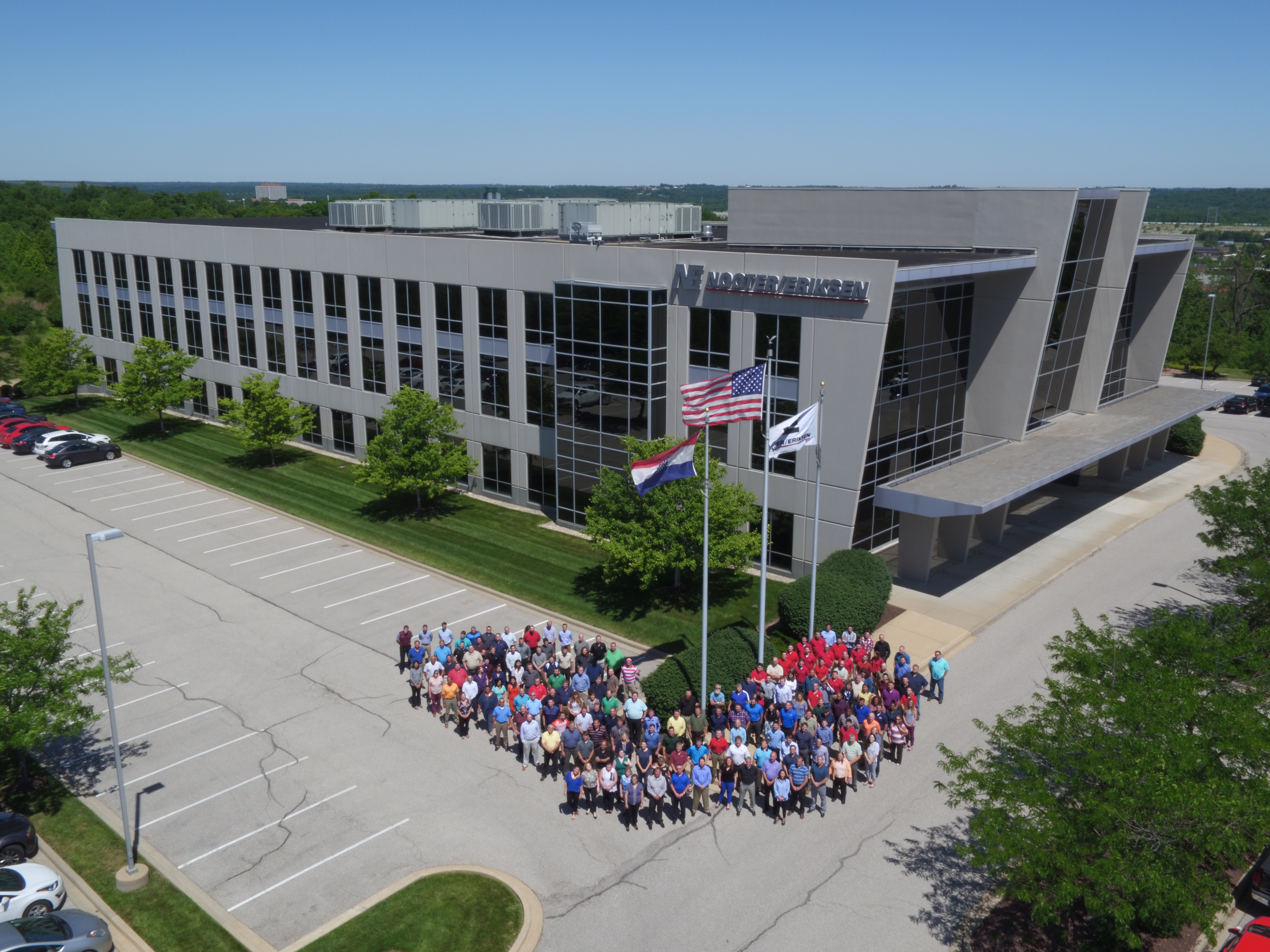
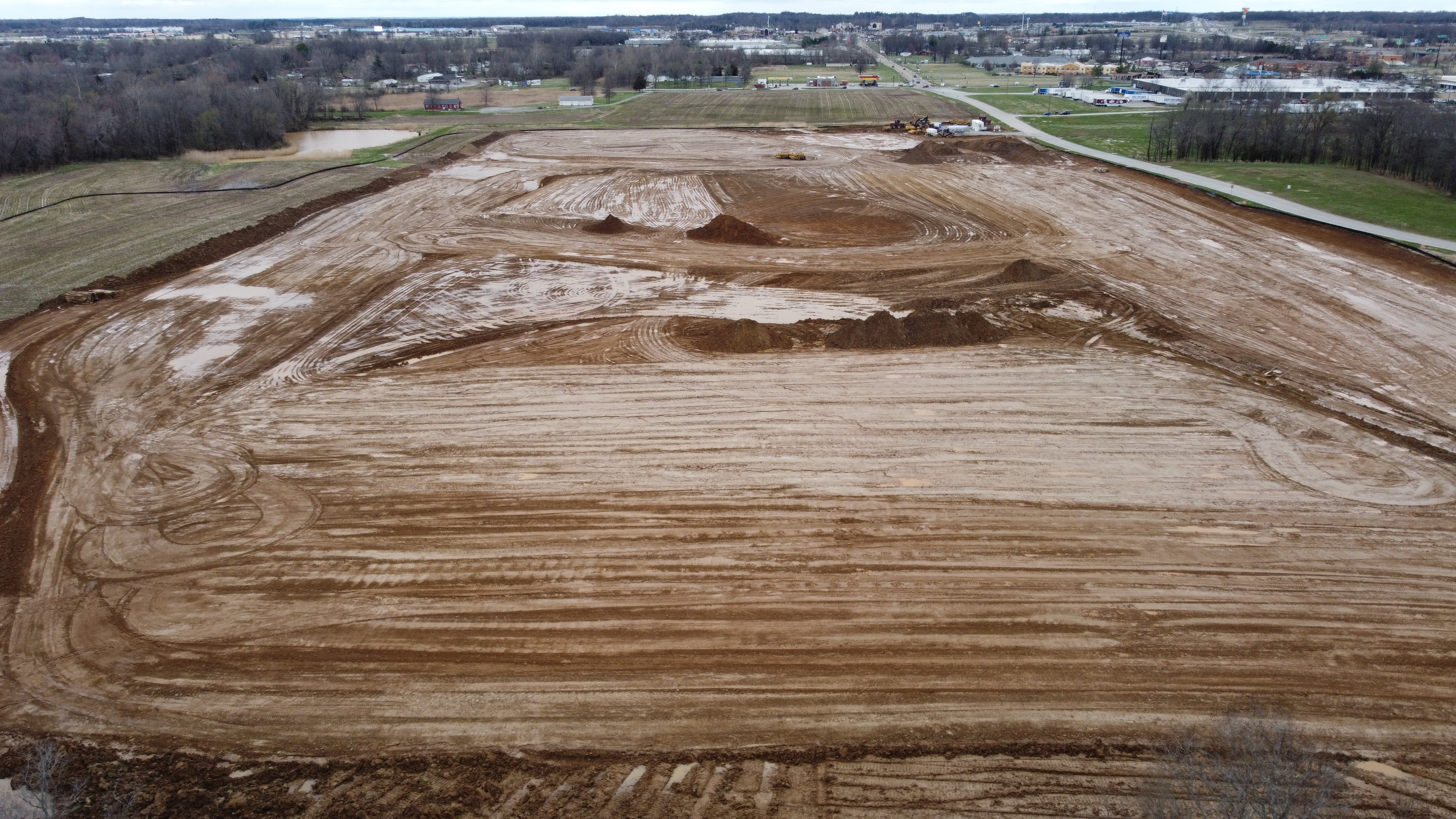
On just about every video production, especially with a case study, we will shoot b-roll shots with our drone to aid with the success story in the video.
An aerial view helps in attention and often aids in a better understanding of the story.

Using video case studies is a great way to demonstrate the effectiveness of your product or service. It gives potential customers a glimpse into how your product or service has helped real people in real-life scenarios. Video case studies are an especially powerful tool for showing potential customers how your product or service has transformed the lives of people like them. By highlighting the solutions that your product or service can provide, you can create an emotional connection with your target audience and show them that your product or service can help them too. With a powerful video case study, you can help potential customers make the decision to invest in your product or service.

What are video case studies?

A video case study is a video recording that demonstrates the use of your product or service. They are helpful marketing tools that are often used in B2B marketing campaigns. Video case studies can help you demonstrate how your product or service has had a positive impact on clients’ businesses and lives. This can help increase product sales and lead to more revenue for you and your company. Video case studies can be used to showcase product functionality, highlight client success stories, and provide contact information for your business. With a video case study, you can show potential customers how your product or service has helped other people solve their problems. This creates an emotional connection with your target audience and helps them relate to the struggles that your potential customers have had. Video case studies are an excellent way to clearly demonstrate how your product or service works and is used in real-life scenarios.

Benefits of using video case studies

If done correctly, video case studies can be extremely powerful and helpful marketing tools for your business. They can help you demonstrate how your product or service has helped other people and solved their problems, and how it can help new customers too. Video case studies are an excellent way to humanize your business and your products or services. You can use video case studies to show potential customers how you’re solving real problems and helping real people – like them. Video case studies can help build trust with potential customers and can also be used to educate customers on the value of your product or service.

Video case study statistics

According to a survey by the market research company Nielsen, 64% of consumers trust video content over written content. And, those who watch videos are 2X more likely to buy a product than those who don’t. Another study shows that 90% of customers are more likely to buy a product after watching a video about it. And if you use video case studies, you can further increase your product sales and revenue.

Tips for creating a great video case study

There are a few things you should keep in mind when creating a video case study. You want to showcase the product or service in action, so you will want to film the product or service being used. You should use real people in your video case studies so you can show potential customers how your product or service has helped others like them. You can show detailed results from the success stories of your product or service by including graphs, charts, and facts; this will help reinforce the impact of your product or service. More importantly, you will want to make sure you are including what your product or service actually solves and the pain points that it addresses. This will help potential customers see how your product or service can help them too.

How to use video case studies to reach potential customers

There are many ways you can use video case studies in your marketing campaigns. You can upload your video case studies to your website. You can also post them on your social media channels and other online platforms to help promote your business. You can even create a playlist on a video platform like YouTube to help showcase multiple video case studies in one place. You can send your video case studies to your leads and customers too. You can include your video case studies as part of your email campaigns and newsletters to help showcase the value of your product or service. You can also include your video case studies in your printed collateral materials. And, you can also share your video case studies at conferences and other networking events.

Video case study best practices

When creating a video case study, you want to showcase multiple clients who have used your product or service. You want to make sure that the results of your video case studies are real and not fake or staged. You can use video testimonials from your clients to help further strengthen your video case studies. You can also create a step-by-step video guide that demonstrates how to use your product or service. This will help your customers better understand how they can use your product or service to solve their problems and gain value from using it.

You can also use video case studies to feature your staff members or team members. You can use video case studies to showcase the benefits of your product or service over your competitors’ products or services. You can also use video case studies in your environmental impact and sustainability campaigns.

Examples of successful video case studies

Adobe – Adobe shows how its services have helped transform the lives of its clients. The company uses video case studies to demonstrate how its services have helped transform the images of customers’ photos and artwork.

HubSpot – HubSpot uses video case studies to showcase the success of its clients and products. The company uses its video case studies to help people understand the value of its products and services, including its marketing software.

GoToMeeting – The web conferencing tool GoToMeeting uses video case studies to show how its products have helped people conduct business remotely.

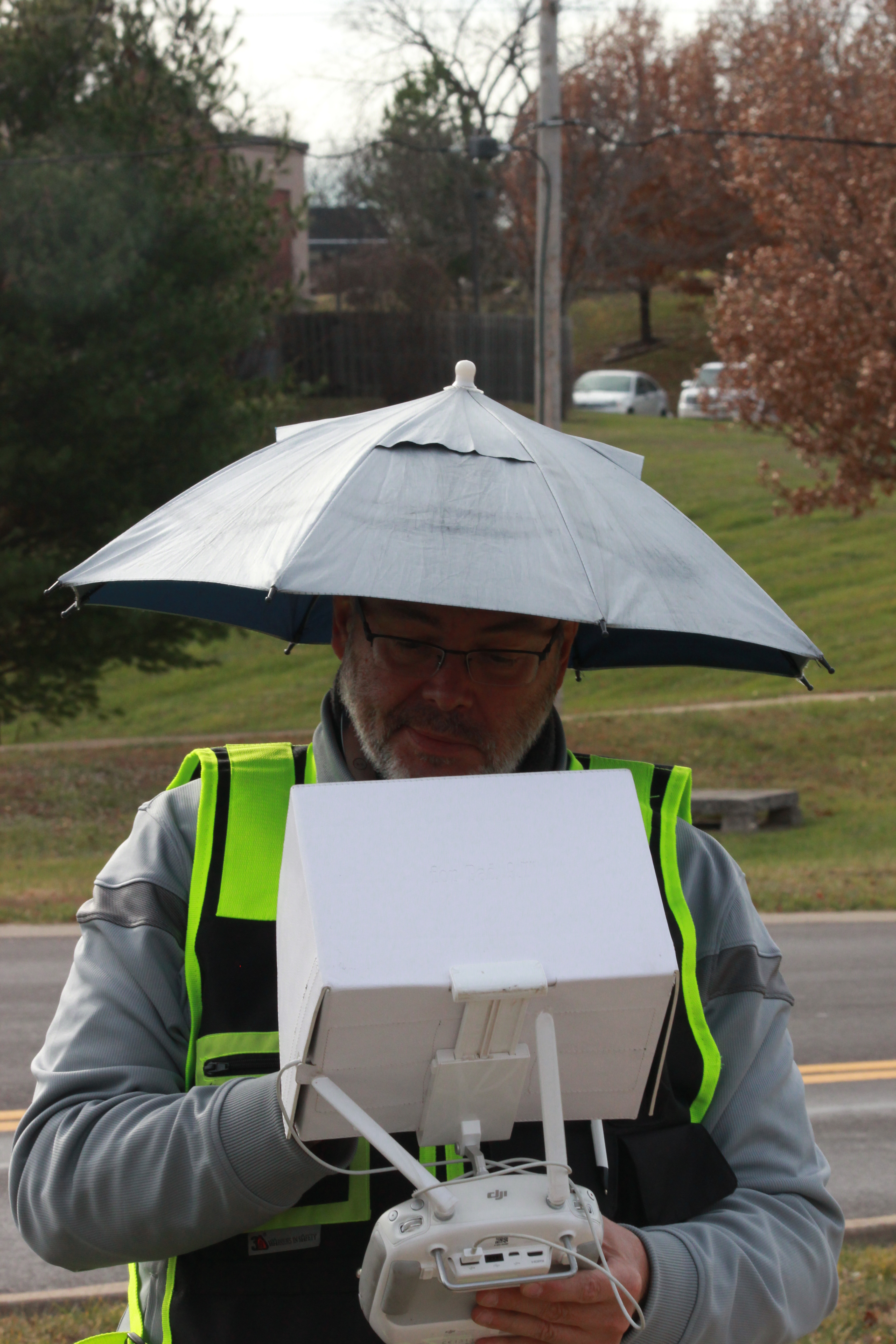
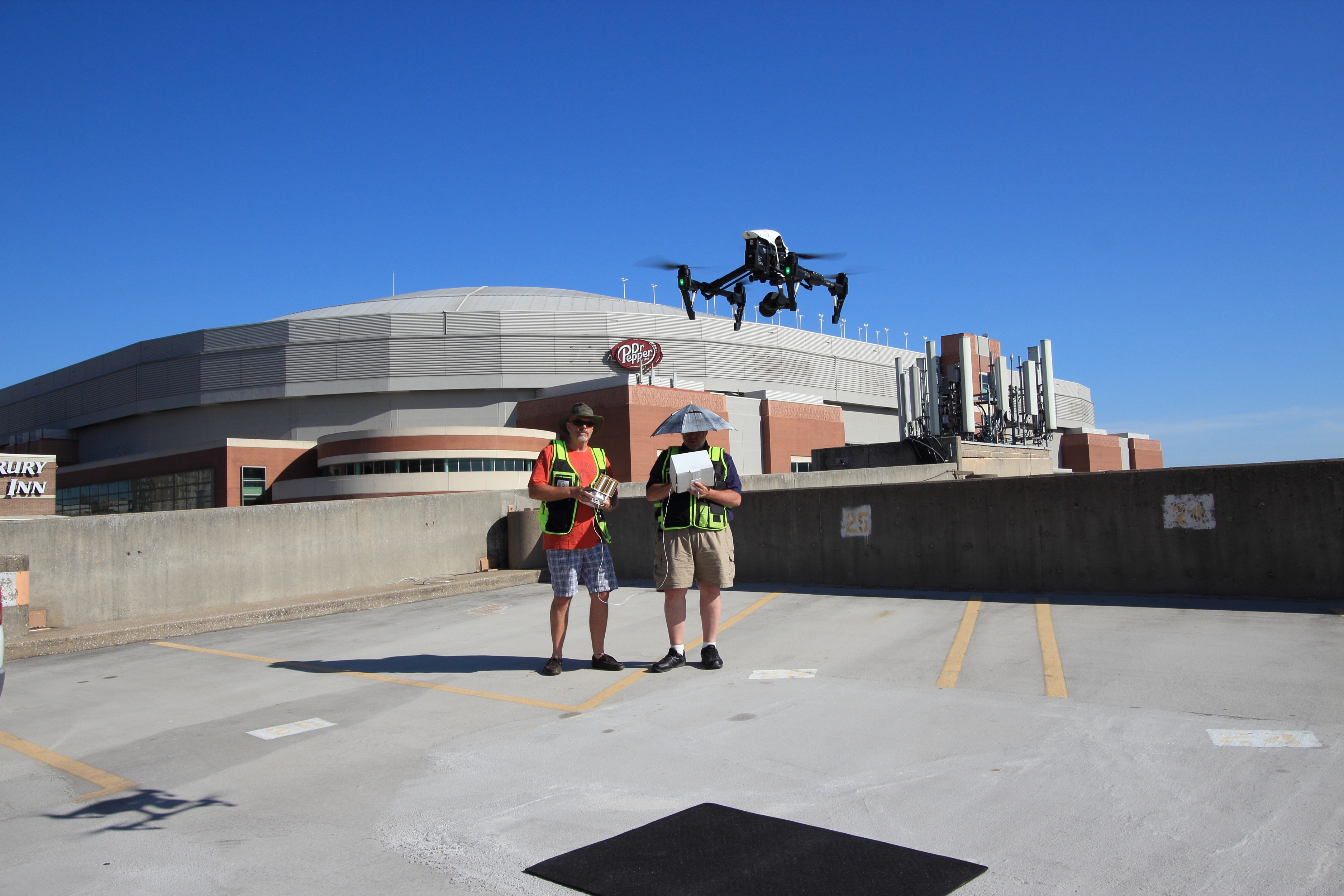
Our two-person drone crew setting up to shoot aerial b-roll for a corporate client case study

Amazon – Amazon uses video case studies to showcase how its fulfillment and logistics services work. It also uses video case studies to show how its one-click ordering works.

How to create a video case study

In order to create a video case study, you will need to select a client or customer who has used your product or service and achieved success with it. You want to choose someone who is willing and able to share their story with you, their experience with your product or service, and how it helped them achieve their goals. Once you’ve selected your client and they’ve agreed to be featured in your video case study, you can then plan and create the video case study. You will want to film the video case study using a high-quality camera, like a DSLR or a high-definition digital video camera. You will also want to have lights and a microphone that is close to the subject of the video case study. You can then use editing software to edit your video case study and add text and images to help showcase the value of your product or service. You can upload your video case study to your website, social media channels, and other online platforms to help promote your business. You can also send your video case study to your leads and customers to help promote your product or service and demonstrate its value.

Video case study marketing strategies

You can use a variety of video case study marketing strategies to help increase your product sales and lead generation. You can use video case studies to showcase how your products or services have helped clients solve their problems. You can also use video case studies to help you rank higher in search engine results. You can create a video case study that includes your keyword, or a variation of it, in the video title, as well as in the video description. This will help you rank higher for your key terms and help you increase your organic traffic. You can also use video case studies to create more social media engagement and help you grow your audience. You can create a video case study and then share it on your social media channels. You can also ask your existing customers to share their video case studies on social media so they can help provide your products and services more exposure.

Video case study best practices

You can use video case studies to help you create a more effective marketing campaign and reach more leads and customers. However, you will want to make sure that your video case studies are effective and that they provide value to your customers. You can use these tips to create more effective video case studies: Choose a good topic – You will want to choose a topic for your video case study that is relevant to your industry. Choose a good case study – You want to choose a case study that is relevant to your product or service. Create a compelling video – You will want to create a compelling video that is interesting and engaging. Include a call-to-action – You will want to end your video case study with a call-to-action that encourages your leads and customers to reach out to you or to contact you.

Robert Haller

314-604-6544

stlouisdroneservices@gmail.com